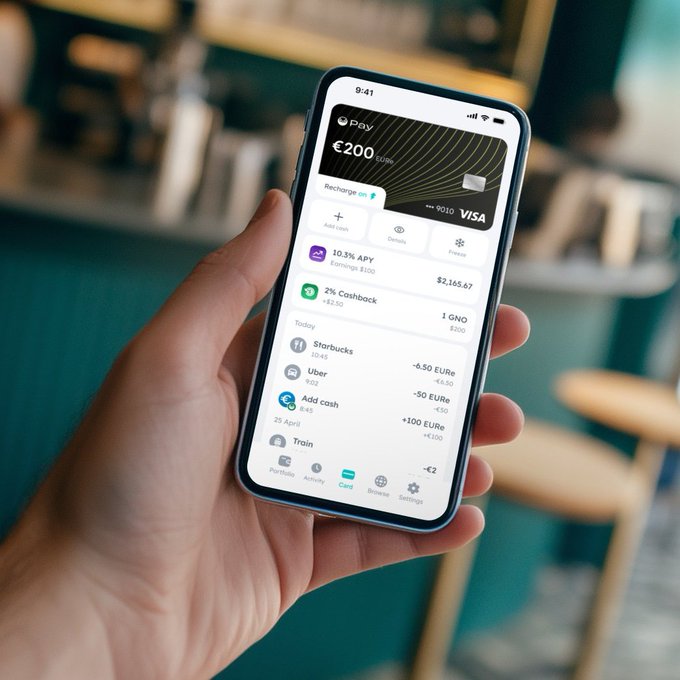
Your Gnosis Pay Card can connect directly to DeFi apps like @aave, @LidoFinance, and @MakerDAO—allowing you to use your DeFi yields IRL, all made possible by @zealwallet!
Here’s how to connect your Gnosis Pay Card to Zeal!
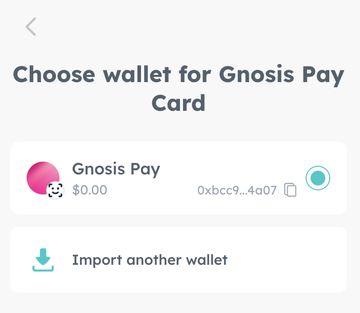
3/ Now that your wallet is connected, go to the Gnosis Pay card in the Zeal wallet, then select: Connect Existing Gnosis Pay Card > Select Your Wallet > Continue > Card Imported ✅
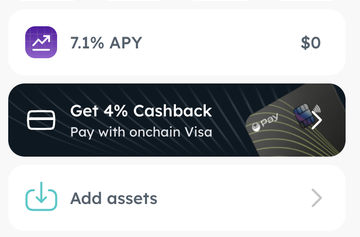
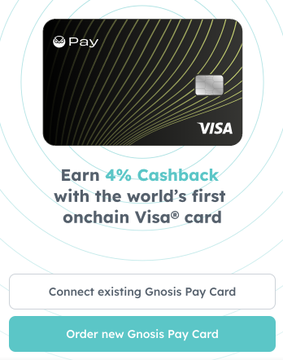
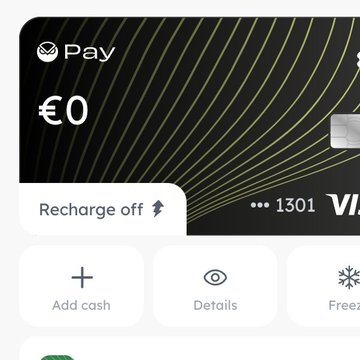
4/ And that’s it! Your Gnosis Pay Card is now connected to Zeal. You can now use Zeal’s features to track your spending or try the new Recharge feature.
Watch the full Recharge tutorial here to learn how to spend your yields with Gnosis Pay:

Zeal
@zealwallet
09-26
1/ Introducing ⚡Recharge in Zeal⚡ Available now on all major app stores. Connect your @gnosispay Visa to DeFi and spend your yield on coffee 🦉💳☕️🩵

From Twitter
Disclaimer: The content above is only the author's opinion which does not represent any position of Followin, and is not intended as, and shall not be understood or construed as, investment advice from Followin.
Like
Add to Favorites
Comments
Share
Relevant content