Guide to multi-accounting DePINs
This method allows me to setup 100+ browser nodes
Just way to increase my passive income
Step-by-step to setup many DePINS 🧵⬇️
[ List of the best DePINs below ]
> [ Quick Intro ]
Was inspired to compile this guide from @0xMoei
Want to describe in short the whole process of setup
1. Buy VPS
2. Install Chromium Linux Browser
3. Install Proxy on Chromium
4. List of projects to setup
So, I guess no more empty words, let's get started ↓
> [ Guide To Install Chromium ]
Chromium is an open-source browser project that aims to build a safer, faster, and more stable build by Google
- You can easily access a browser in your non-gui Linux server
- You can easily run your Node Extensions
In short, Chromium is the

> [ Buy VPS ]
I've already written about it many times in my previous threads
Concept is the same, so, follow by these steps:
From "➤ Preparation process" to "➤ Commands for correct setup"
x.com/DeRonin_/status/18042015...
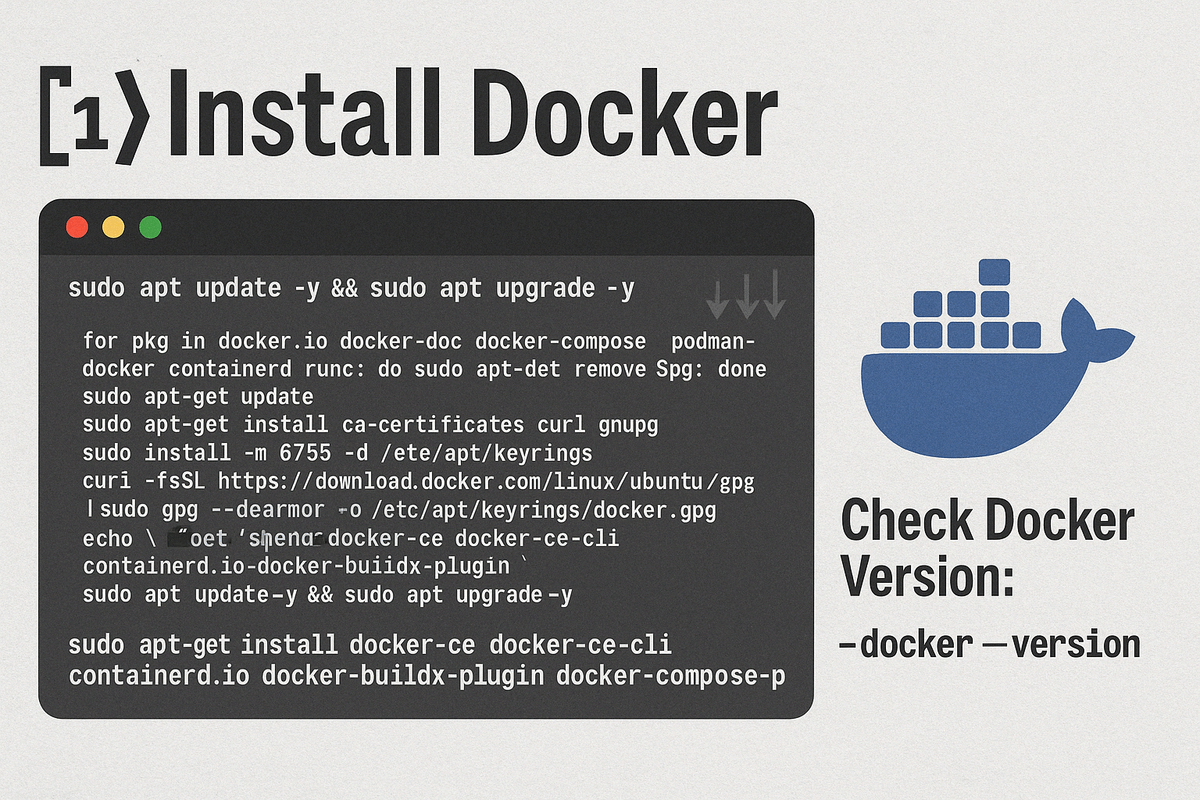
1 > [ Install Docker ]
Copy this text to install ↓↓↓
"""
sudo apt update -y && sudo apt upgrade -y
for pkg in http:/docker.io docker-doc docker-compose podman-docker containerd runc; do sudo apt-get remove $pkg; done
sudo apt-get update
sudo apt-get install
2 > [ Install Chromium ]
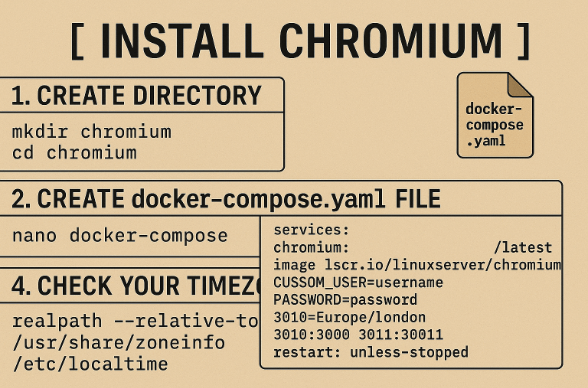
1. Create directory
- mkdir chromium
- cd chromium
2. Create docker-compose.yaml file
- nano docker-compose.yaml
3. Paste the following code in it
• CUSTOM_USER & PASSWORD: Replace your favorite credentials to login to chromium
• TZ: Replace with
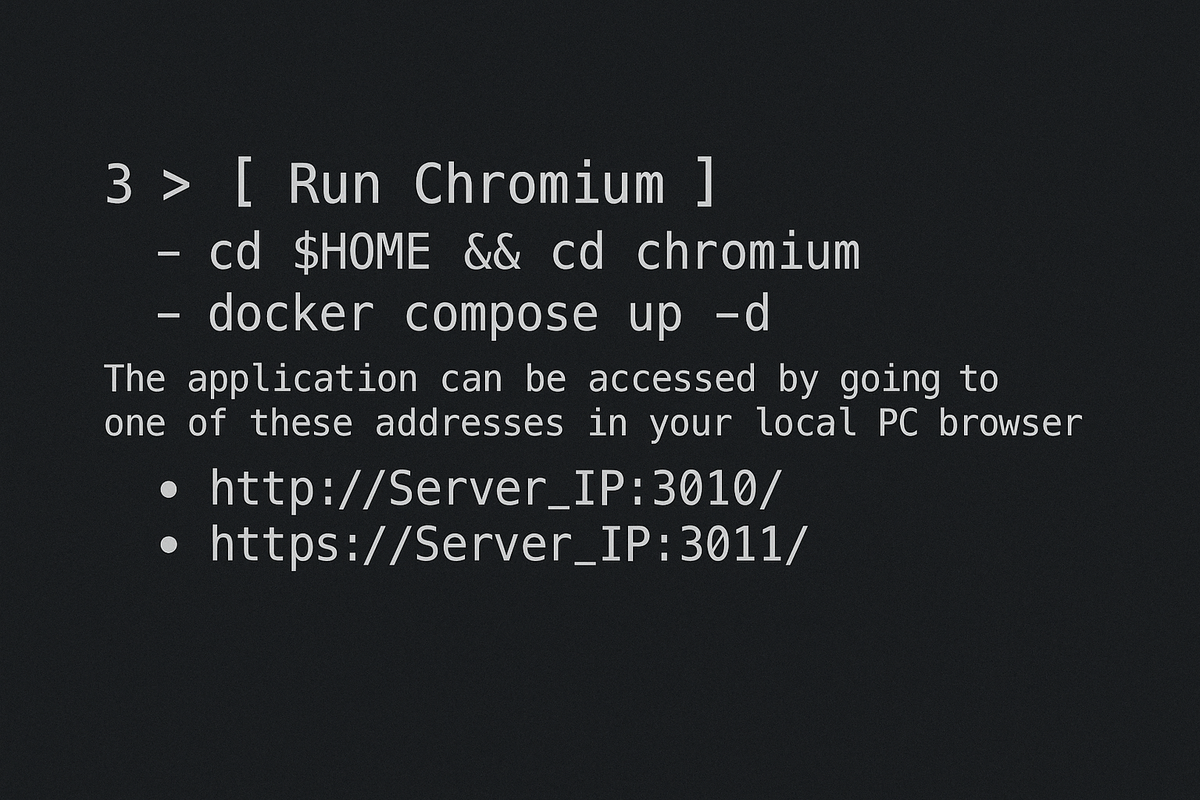
3 > [ Run Chromium ]
- cd $HOME && cd chromium
- docker compose up -d
The application can be accessed by going to one of these addresses in your local PC browser
• http://Server_IP:3010/
• https://Server_IP:3011/
4.1 > [ Install Proxy on Chromium ]
Where can you buy proxies? The most common question ahaha
1. IP Royal
2. Webshare
Most of the services spoiled, so, even recommend reloading mobile internet and open VPS again
But I show how to make it with proxies anyway
4.2 > [ Install Proxy on Chromium ]
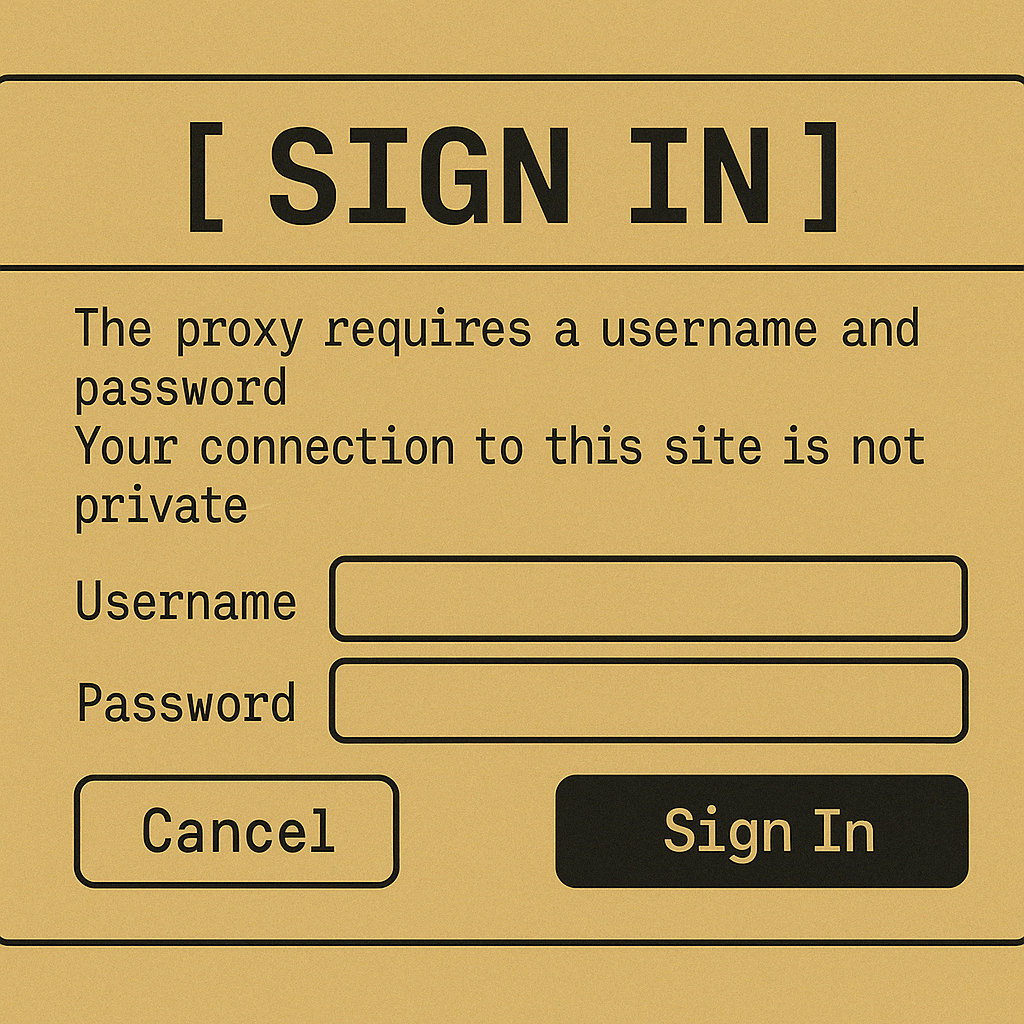
Install Proxy in Docker:
1. Stop currently running container
- docker compose down -v
2. Update your docker-compose.yml:
- Replace CUSTOM_USER & PASSWORD with your Chromium credentials.
- Delete one of CHROME_CLI lines depending your proxy
5 > [ List of the best DePINs ]
1. @dawninternet
2. @theblessnetwork
3. @Gradient_HQ
4. @kuzco_xyz
5. @NaorisProtocol
6. @3DOSNetwork
7. @OpenledgerHQ
8. @blockmesh_xyz
◢ Our Community
Money Land is a fully FREE community in Telegram
➼ t.me/deronin_alpha
Recently we've got:
• 5-10X plays with memes
• $20k on Airdrops in 2024
• $HYPE Airdrop on $10K+

I hope you've found this thread helpful
Follow me @DeRonin_ for more
Like/Repost the quote below if you can:
And also add it to your bookmarks so you don't lose it! 🔖
x.com/DeRonin_/status/19142933...
Sector:

From Twitter
Disclaimer: The content above is only the author's opinion which does not represent any position of Followin, and is not intended as, and shall not be understood or construed as, investment advice from Followin.
Like
Add to Favorites
Comments
Share
Relevant content