
This article is machine translated
Show original
After spending over half a month with the OpenClaw virtual machine/wsl running OpenClaw, I finally installed it on my primary Mac.
Now I can continue to control my main computer via Telegram even when I'm out and about. OpenClaw performs exceptionally well on macOS; it can control almost any software, simulating key presses and cursor movement with ease. It even supports voice control, truly giving my primary computer an assistant.
The first three OpenClaw instances were mainly used for browsing Twitter and writing code. Now, let's see if this AI assistant can take over the operations on my primary computer.
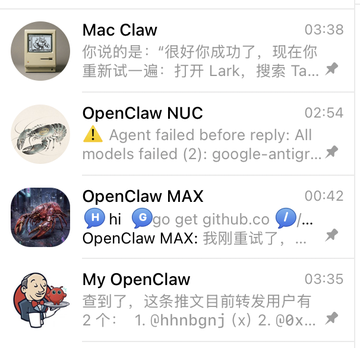
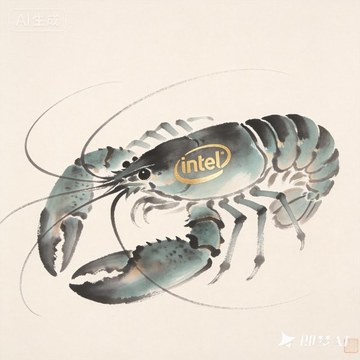
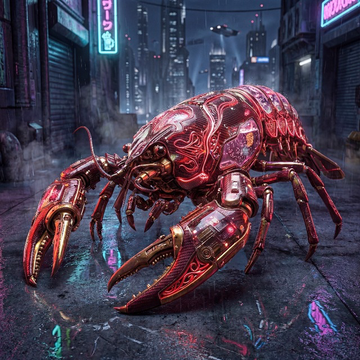
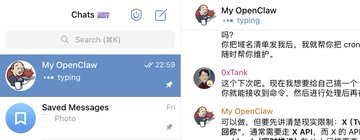
Here are my four OpenClaw avatars, each corresponding to its environment.

0xTank | PopLab.AI
@tankxu
02-05
分享我的 OpenClaw 账号头像,管家端上一盆螃蟹,耳边传来一句“上好的食材只需要最简单的烹饪”。
用 Jenkins 管家元素也表达了我对 Jenkins 的思恋之情。
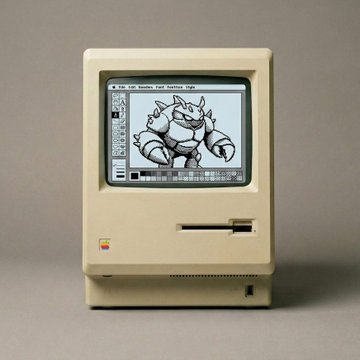

Picture 2 is really cool!

From Twitter
Disclaimer: The content above is only the author's opinion which does not represent any position of Followin, and is not intended as, and shall not be understood or construed as, investment advice from Followin.
Like
Add to Favorites
Comments
Share
Relevant content