
This article is machine translated
Show original
I spent several weeks building my own fingerprint browser:
▅ It doesn't rely on any third-party software, only using clean Chrome instances.
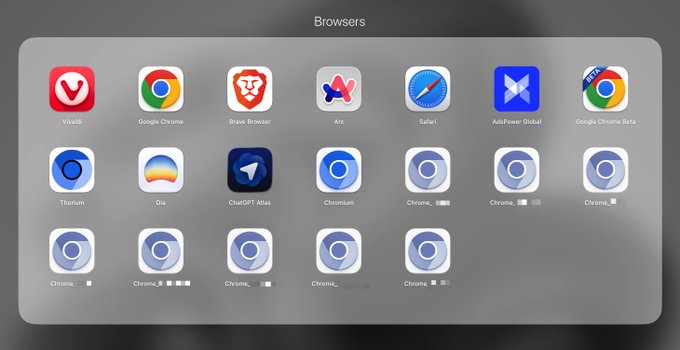
▅ Each Chrome instance uses a different user data directory for directory structure.
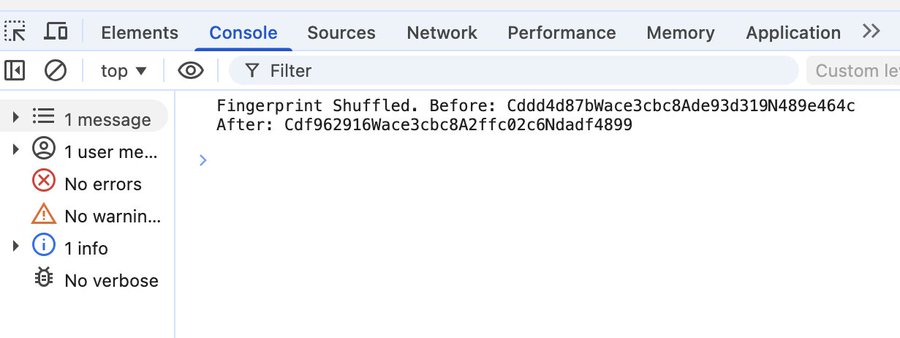
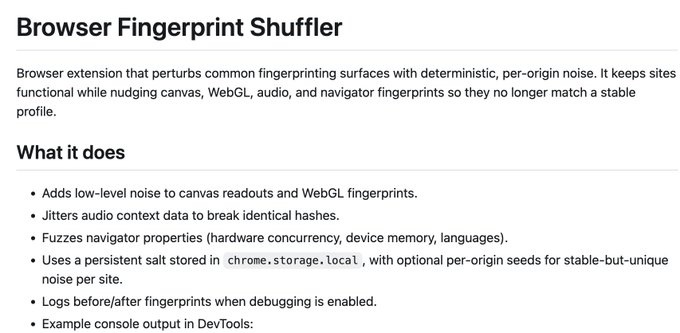
▅ It uses a browser plugin I wrote myself for obfuscation; it's open source and available for everyone to use. Manually creating your own fingerprint browser is the least likely to be stolen by commercially available fingerprint browsers.
It covers several key variables that make up a browser, and ensures that the browser fingerprint remains stable after the instance is opened subsequently. Give it a try, guys who like to exploit this!
User data is isolated between different Chrome versions
Global IP is implemented through startup parameters

From Twitter
Disclaimer: The content above is only the author's opinion which does not represent any position of Followin, and is not intended as, and shall not be understood or construed as, investment advice from Followin.
Like
Add to Favorites
Comments
Share
Relevant content