As Apple's ecosystem continues to evolve, the amount of personal data stored in Apple IDs is increasing—from photos and contacts to payment information and health data. The consequences of an account being compromised are unimaginable. In 2026, cybersecurity threats remain severe. This article will provide you with the latest and most comprehensive Apple ID security protection strategies.
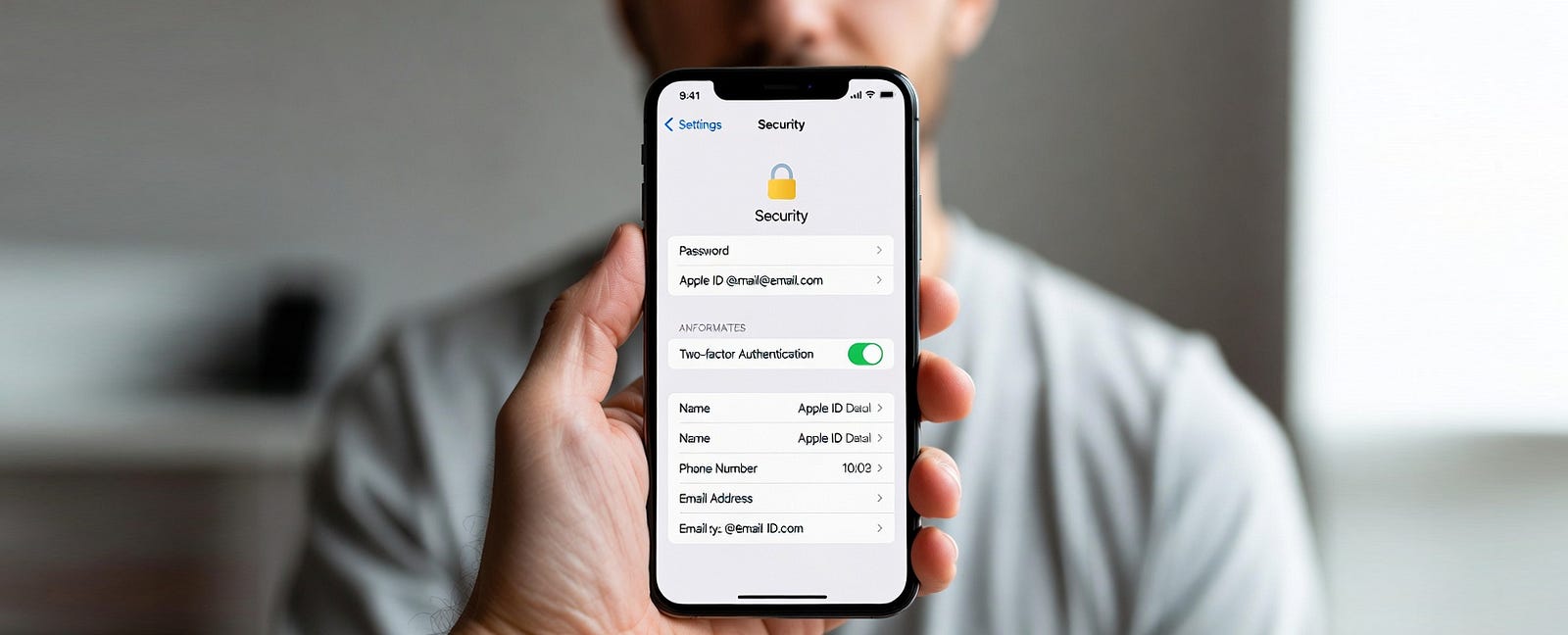
⚠️ Major threats currently facing Apple ID
1. phishing attack
Phishing emails and text messages remain the most common attack methods. Scammers impersonate Apple officials, tricking you into clicking links and entering your account passwords. Phishing attacks in 2026 became more realistic, using AI-generated content and highly convincing websites.
2. Social Engineering Attacks
Attackers can steal your verification codes by collecting information you publicly share on social media to guess answers to security questions or by impersonating Apple customer service.
3. Data breach
If you use the same password as your Apple ID on other websites, and those websites experience data breaches, your Apple ID will also be at risk.
4. Equipment lost
If your iPhone or iPad is lost and you don't have a password, or if your password is too simple, your account may be accessed without authorization.
10 Ten Safety Protection Measures
Measure 1: Enable two-factor authentication (most important)
Two-factor authentication is a core measure for protecting your Apple ID. Once enabled, even if your password is compromised, no one else can log in without your trusted device or phone number.
How to enable:
1️⃣ Go to Settings → Apple ID → Password & Security 2️⃣ Tap Turn on Two-Factor Authentication 3️⃣ Add a trusted phone number 4️⃣ Keep your recovery key safe.
Precautions:
✅ Add at least two trusted phone numbers ✅ Regularly check the list of trusted devices ✅ Remove devices that are no longer in use
Measure 2: Create strong passwords and change them regularly.
Strong cryptography standard (2026 version):
✅ At least 12 characters ✅ Contains uppercase and lowercase letters, numbers, and special symbols ✅ Does not use dictionary words or personal information ✅ Does not share passwords with other accounts
It is recommended to use Apple's built-in Password app or a third-party password manager (such as 1Password or LastPass) to generate and store complex passwords. Change your password every 3–6 months, especially if you suspect your account may have been compromised.
Measure 3: Be cautious with security settings
Account security is the first line of defense for account security. Whether the account was registered by yourself or obtained through other channels, sound security settings are crucial.
Correct approach:
1️⃣ Bind your personal mobile phone number immediately. 2️⃣ Set security questions (avoid using public information). 3️⃣ Add an emergency email address. 4️⃣ Regularly check and update your security information.
Special reminder: Accounts without security protection have no security bindings in their initial state. All security settings must be completed as soon as the account is received; otherwise, the account will be in an unprotected state.
👉 Explanation of accounts and platforms without security protection
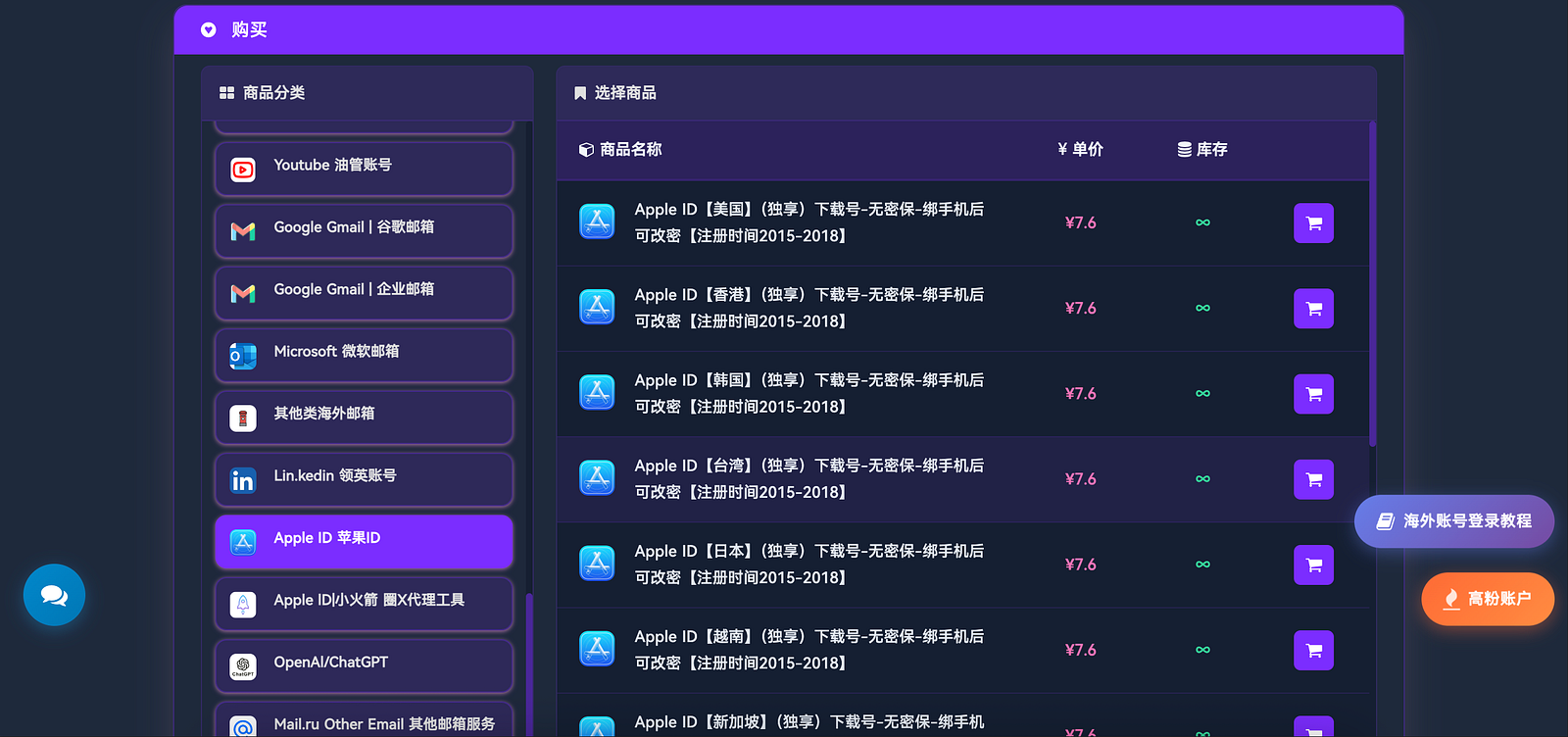
All Apple IDs provided by the TGX Account platform are in their initial state without security protection and cover multiple regions including the United States, Japan, South Korea, Hong Kong, Turkey, and Southeast Asia.
The standard operating procedure after obtaining this type of account:
✅ Log in now to verify your account ✅ Link your mobile phone number ✅ Set security questions ✅ Change your initial password ✅ Enable two-factor authentication
Only after completing the above steps will the account truly belong to you.
Click here to place your order on the official website: https://www.tgxaccount.com?from=1846
Measure 4: Identifying and Preventing Phishing Attacks
Key signs for identifying fishing:
⚠️ Requests for urgent actions (e.g., "Account will be suspended") ⚠️ Links do not match the official domain ⚠️ Requests for a full password or verification code ⚠️ Text contains grammatical or formatting errors
Preventive measures:
❌ Do not click on suspicious links ✅ Manually visit appleid.apple.com ✅ Enable advanced data protection features ✅ Use the hidden email address feature
Measure 5: Manage Trusted Devices
Regularly check the list of trusted devices under your Apple ID:
1️⃣ Sign in to appleid.apple.com 2️⃣ View the "Device" list 3️⃣ Remove devices you no longer use or have lost 4️⃣ If you find an unfamiliar device, change your password immediately and contact Apple Support.
Measure 6: Properly protect the recovery key
A recovery key is a last resort when you cannot access your account through normal means.
Correct approach:
✅ Write it down on paper and keep it safe. ❌ Do not screenshot and save it to your phone. ❌ Do not save it to the cloud. ✅ Inform a trusted family member of the storage location.
Measure 7: Be vigilant against risks on public networks
In public Wi-Fi environments such as cafes and airports:
❌ Avoid signing in with your Apple ID ✅ Use a VPN to encrypt your connection ✅ Turn off automatic Wi-Fi connection ✅ Confirm HTTPS secure connection
Measure 8: Set up contingency plans for equipment loss in advance
✅ Enable "Find My iPhone" ✅ Set a strong lock screen passcode or biometric authentication ✅ Enable automatic data erasure after multiple incorrect attempts ✅ Record device serial number and IMEI
Measure 9: Continuously monitor account activity
💳 Is there any anomaly in the purchase history? 🔍 Last login time and location 🔗 Authorized third-party applications 📋 Current subscription status
Measure 10: Understand the security of the account's origin.
The way you obtain your Apple ID can affect the initial security status of your account.
Self-registered account: Advantages: Complete control over registration information. Disadvantages: Requires local payment verification in some regions.
Acquiring accounts through professional platforms: You can quickly obtain accounts from multiple regions, but security depends entirely on whether you complete all personalized security settings immediately.
Key points for choosing a professional platform: ✅ The platform is legitimate and verifiable ✅ The account status is clear (no security questions, no balance) ✅ It covers the required regions ✅ It provides after-sales support
❓ Frequently Asked Questions (FAQ)
Q1: What is two-factor authentication? Why is it important?
A: Two-factor authentication is a security measure that requires users to verify their identity via a trusted device or phone number in addition to their password when logging in. Even if the password is compromised, login is impossible without the verification code. It is recommended that all users enable this feature.
Q2: What is a "no-password" Apple ID? Is it secure?
A: No security information means the account was not initially linked to a mobile phone number or security questions. Security depends on whether you immediately link your personal mobile phone number and complete security settings after obtaining the account; otherwise, the account is very insecure.
Q3: What security settings are required for an Apple ID obtained from an account service platform?
A: Must be completed immediately:
✅ Login verification availability ✅ Bind personal mobile number ✅ Change to strong password ✅ Set security questions ✅ Add rescue email ✅ Enable two-factor authentication ✅ Remove unknown trusted devices ✅ Check purchase history and subscriptions
Q4: How can I determine if an account service platform is reliable?
A: Characteristics of a reliable platform:
✅ Legitimate website and contact information ✅ User instructions and security guidance provided ✅ Clear account status (no security questions, no balance) ✅ Genuine user reviews ✅ After-sales support provided ✅ Transparent pricing ✅ Accounts available from multiple regions
For example, a TGX Account meets these criteria.
Q5: How to identify phishing emails and text messages?
A: Fishing characteristics:
⚠️ Urgent request for action ⚠️ Link does not match official domain ⚠️ Request for password or credit card information ⚠️ Incorrect text or grammatical errors
Apple will never ask for your password via email or text message.
Q6: What should I do if I receive a notification that "Your Apple ID is signed in on a new device" but I haven't taken any action?
A: Execute immediately:
❌ Do not click the notification link ✅ Manually visit appleid.apple.com to check ✅ Change your password immediately ✅ Remove unfamiliar devices ✅ Enable/reconfigure two-factor authentication ✅ Check for abnormal purchase history
Q7: What should I do if I forget my Apple ID password?
A: Visit iforgot.apple.com and select:
Reset trusted phone number to receive verification code. Device already logged in. Reset using recovery key.
Q8: What should I do if I discover unknown purchase records on my account?
A: Immediately:
✅ Change your password ✅ Remove an unfamiliar device ✅ Enable two-factor authentication ✅ Request a refund for an unauthorized purchase ✅ Contact Apple Support ✅ Freeze or replace your credit card with your bank ✅ Check your email security
Q9: Why choose a professional Apple ID service platform?
A: Advantages:
✅ No complicated registration required ✅ Instantly usable account ✅ Multiple region options ✅ No security questions, self-managed account ✅ After-sales support provided
For example: TGX Account
Q10: Which regions does TGX Account offer?
A: Spot goods regions: USA, Japan, South Korea, Hong Kong, Turkey, Singapore, Malaysia, Thailand, Vietnam, Nigeria, etc. Customized services: EU countries, Canada, Australia, Brazil, Mexico, UAE, Indonesia, Philippines, etc.
🆘 Response measures for encountering security issues
When you suspect your account has been hacked:
✅ Change your password immediately ✅ Remove unknown trusted devices ✅ Check your purchase history ✅ Contact Apple Support ✅ Notify your bank to freeze or replace your credit card
Received a suspicious login notification:
❌ Do not click the notification ✅ Manually visit appleid.apple.com ✅ Change your password ✅ Enable two-factor authentication
Device lost:
Visit icloud.com/find, select lost device, enable lost mode. If the device still cannot be found, erase it and contact your carrier to deactivate the SIM card.
🚀 Emerging security features in 2026
Apple continues to improve security measures; new features in 2026 include:
Enhanced biometrics (Face ID, Touch ID accuracy and speed improvements), AI anomaly detection for automatic identification of suspicious logins, Passkey support for passwordless login, AI phishing detection and alerts, Advanced data protection with end-to-end encryption for more data types.
🎯 Conclusion
Apple ID security requires continuous attention and maintenance. Whether you register the account yourself or obtain it through a legitimate platform like TGX Account , the core principle remains unchanged:
Enable two-factor authentication, use strong passwords, link personal contact information, and regularly check account activity.
For accounts obtained from professional platforms without security measures, complete all security settings immediately to fully control the account. As long as you follow the security guidelines, the security level is the same as your own registered account.
💡 Final reminder:
No amount of security features can replace security awareness. Staying vigilant, not trusting unfamiliar information, and avoiding operating accounts in insecure environments are the strongest defenses for your digital assets. In 2026, let's protect our Apple IDs together and securely enjoy the convenience of the Apple ecosystem!
📩 Official Website: https://www.tgxaccount.com?from=1846 💁♀️ Telegram Customer Service: https://t.me/TGXaccount666