Note: This article is from @defi_mindset Twitter, and MarsBit organizes it as follows:
The complete tutorial of Taiko, the L2 must-have project that Vitalik pays close attention to!
#L2 #Taiko #Testnet ETH #Airdrop
@taikoxyz is a fully decentralized ZK- Rollup based on Ethereum, similar to L2 scaling solutions;
The project has received great attention from Vitalik, and it was built by the original team of @loopringorg, the domestic light Loopring agreement ;
At present, the Alpha-2 test network has been launched, and the tutorial is as follows:
1Add Sepolia and Taiko test network
Enter Chainlist official website link wallet https://chainid.network
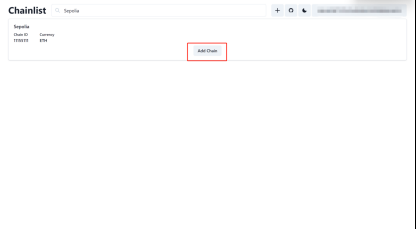
Search Sepolia, click Add Chain, wallet approval authorization
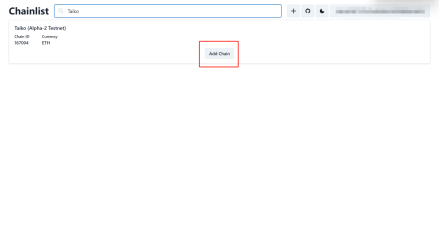
Search for Taiko, click Add Chain, wallet approval authorization
2 Receive test tokens
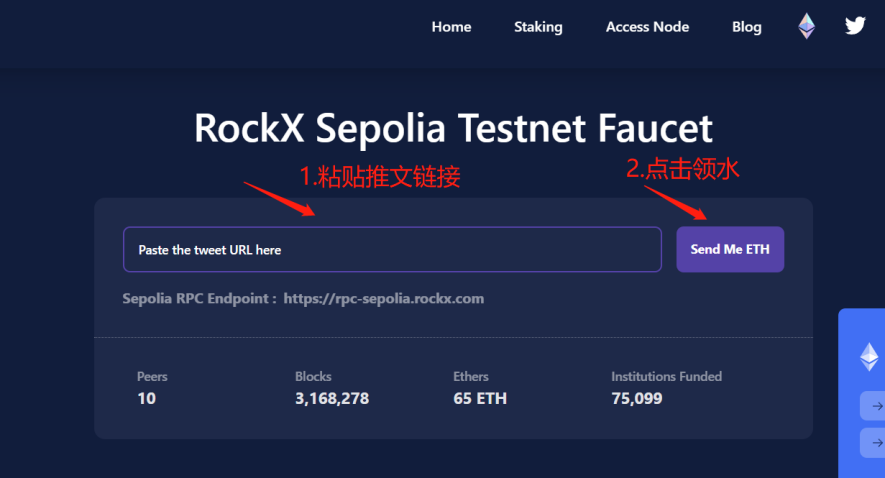
Pick up by tap:
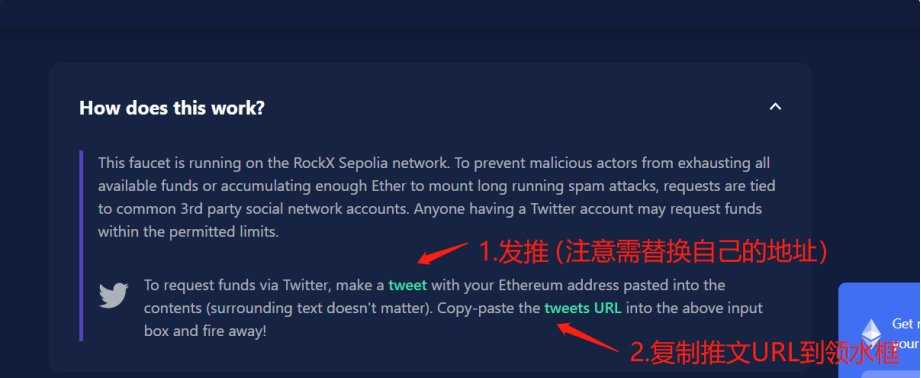
https://faucet-sepolia.rockx.com _
-Link wallet
- Tweet
-Paste the tweet link to lead the water
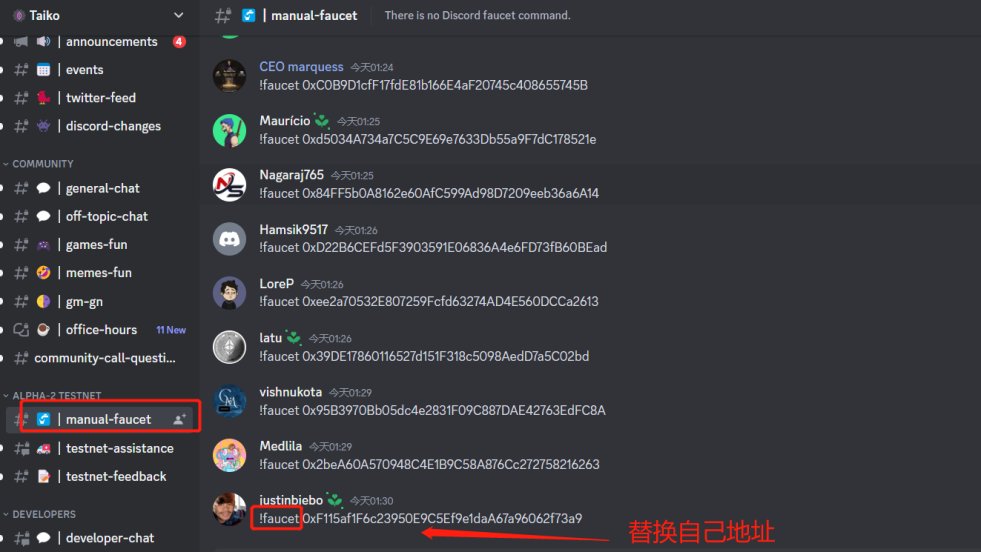
Official Discord Territory : https://discord.com/invite/taikoxyz
- Enter the official DC, find the manual-faucet channel after verification
- Enter "!Faucet+address" to send
3Collect $BLL, $HORSE test coins
Enter the testnet: https://bridge.a2.taiko.xyz
Link wallet, switch network to Sepolia
Select $BLL Token
Click to lead the water
Click "Mint", the wallet pays the Gas fee for minting
Go back to the interface and select $HORSE token
Click to lead the water
Click "Mint", the wallet pays the Gas fee for minting
4 hours can get water again
4 Cross-chain ETH , $BLL, $ Cross-chain to Taiko A2 network
Enter the Cross-chain bridge website: https://bridge.a2.taiko.xyz (same website for receiving test coins)
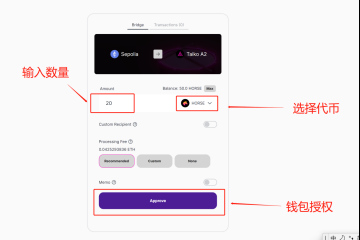
select token
Enter the number of Cross-chain transactions
Click Approve wallet authorization, you can customize the payment maximum value when authorizing, the default maximum
Click Bridge, the wallet pays GAS for transactions
Cross-chain of three tokens in the same way
5Taiko A2 network interaction
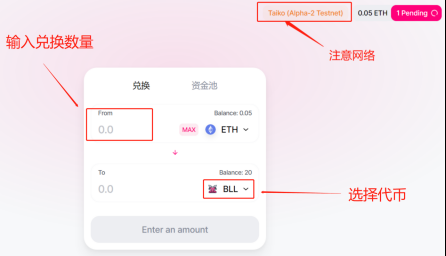
Enter the official test network, switch the wallet to the Taiko network, and link the wallet: https://swap.a2.taiko.xyz/#/swap
SWAP: Select the token to be exchanged in the exchange window, enter the amount to trade
Pool: Click on the fund pool to add Liquidity
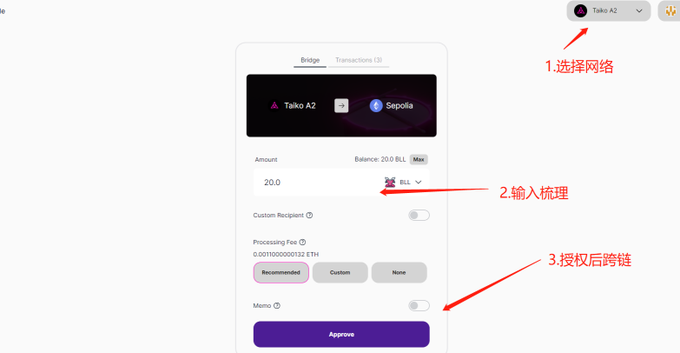
6. Cross-chain ETH , $BLL, $HORSE back to the Sepolia network
Enter the Cross-chain test network: https://bridge.a2.taiko.xyz
select token
Enter the number of Cross-chain transactions
Click Approve wallet authorization
Click Bridge, the wallet pays GAS for transactions
In the same way, the Cross-chain of the three tokens is carried out, and the Sepolia network reserves some gas
7 After completing the above operations, fill out the questionnaire
Questionnaire link:
https://docs.google.com/forms/d/e/1FAIpQLSdD9J8_dl2spOg7kHPAyzRSrfityz80WKtZ0APCNjq-dO8PTg/viewform
If you are a program developer, you can also increase the weight of future AirDrop by participating in Taiko testnet node mining. The tutorial reference is as follows: