On-Chain analysis is a necessity in investing in projects in the Crypto market, this is even more important in DeFi projects. In this article Hak Research will give everyone instructions on how to use Arkham, which is currently one of the best on-chain analysis tools at the moment.
People can also refer to instructions on how to use a few other tools to best analyze on-chain :
Arkham Overview
Arkham , also known by its full name Arkham Intelligence, is a platform built to provide on-chain data to help people track wallet addresses, entities such as influencers or funds. investment, information about transactions, trading floors, etc. The above information is Chia simply and completely free, so everyone can access it easily. .
Arkham solves the problem of the current on-chain market by providing its products for free, while users have to pay to use similar products. In addition, Arkham also opens a new market called Intel to Earn, allowing everyone to buy, sell and trade on-chain information.
Instructions for Registering an Arkham Account
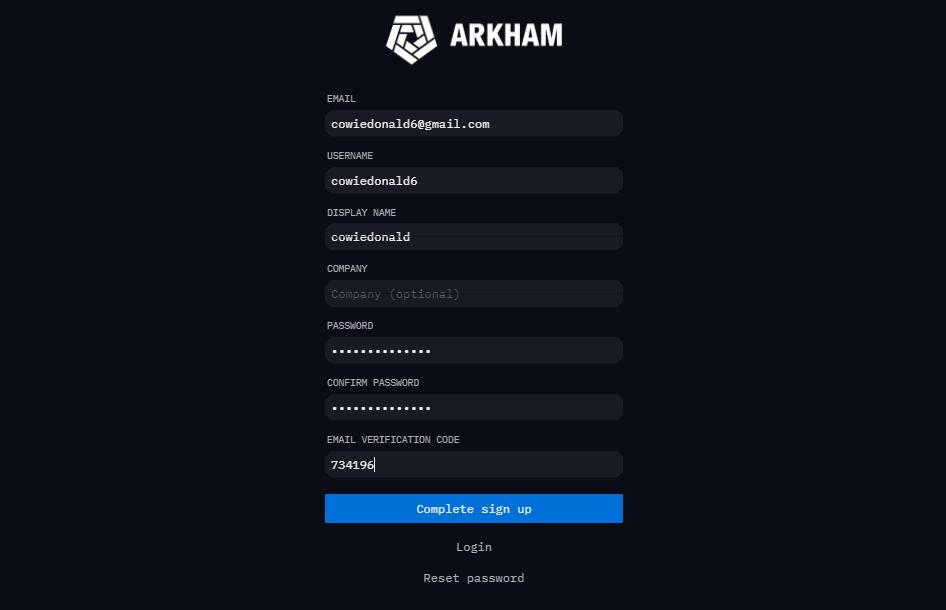
To register for an Arkham account, people can follow the steps below:
- Visit: https://platform.arkhamintelligence.com/signup
- Completely fill in the following information:
- Email : Enter email address.
- Username : Enter your login name.
- Display name : Enter the display name.
- Company : Enter the company name (can be filled in or not).
- Password : Enter password.
- Confirm password : Re-enter the password.
- Select "Verify Email".
- Enter the code sent to the email sent to "Email Verification Code".
- Select "Complete sign up" to complete account registration.
Arkham User Guide
Arkham 's main interface
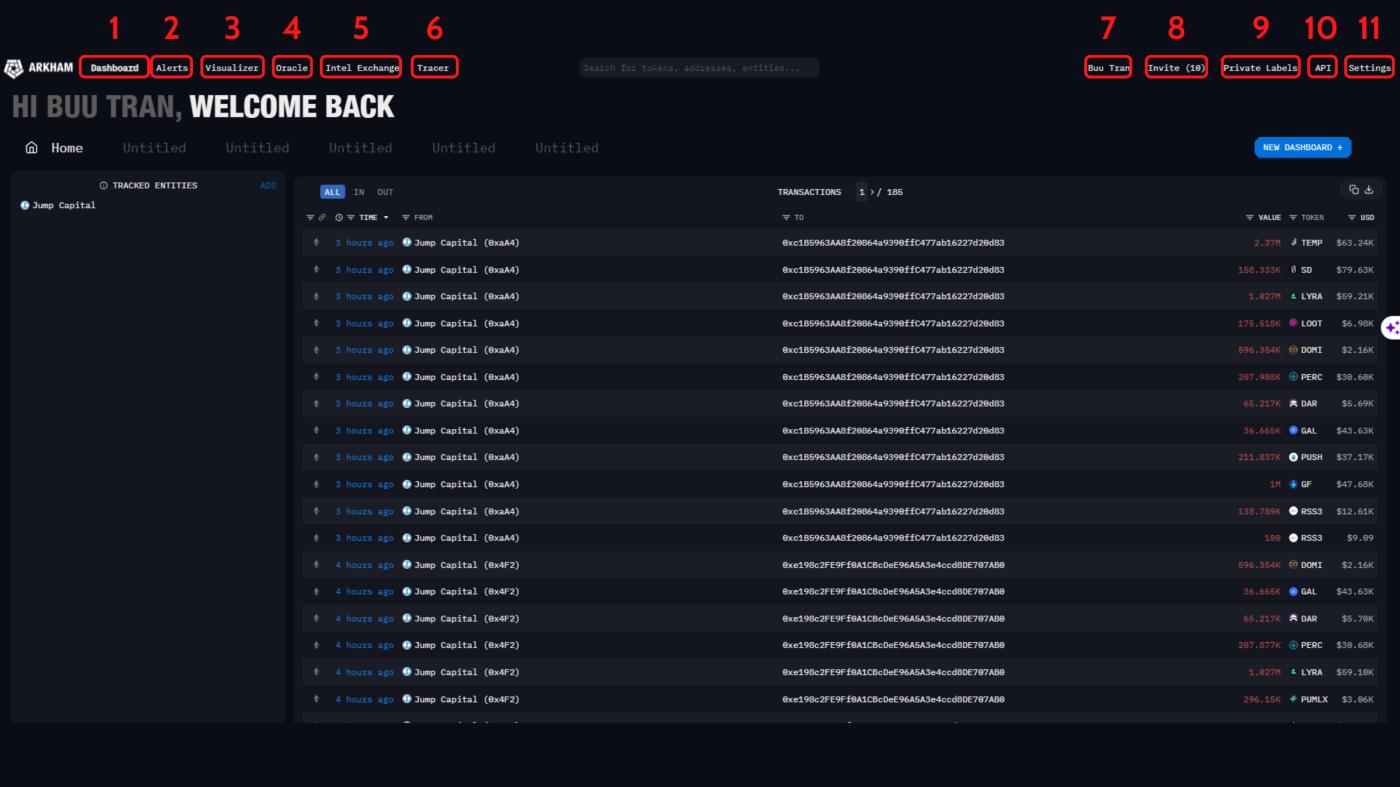
On Arkham's homepage, people will see the following displayed:
- Dashboard : A place that allows people to create dashboards with any entity for easy viewing.
- Arlerts : Where people can create transaction alerts about wallet addresses or Token.
- Visualizer : Shows all transactions of a wallet address with smart contracts, addresses, exchanges,...
- Oracle : This feature integrates AI tools, allowing people to exchange and search on-chain information easily.
- Intel Exchange : This is an on-chain information exchange that anyone can use.
- Tracer : Allows people to create interactive charts between wallets and other protocols and exchanges.
- Profile : Where people can create personal portfolios to check profits and losses.
- Invite : Allows people to invite friends to join the platform and receive points.
- Private Labels : People can create private entities on many different networks.
- API : Allows anyone to subscribe to the Arkham API Pilot Program to access more innovative features.
- Settings : Allows people to change Arkham's personal information and login account.
Dashboard interface
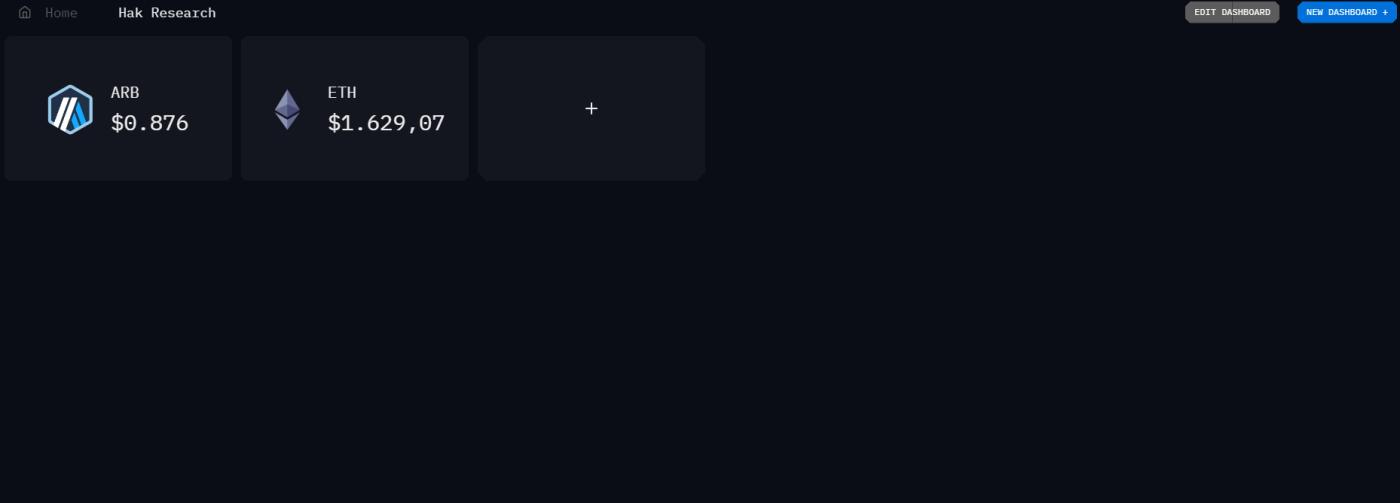
To use the Dashboard interface, people can follow these steps:
- Go to "Dashboard".
- Select "New Dashboard" to create a new dashboard.
- Select the "+" character to select Units.
- Each Unit will support displaying information of a certain Token, wallet, or entity.
Arlets interface
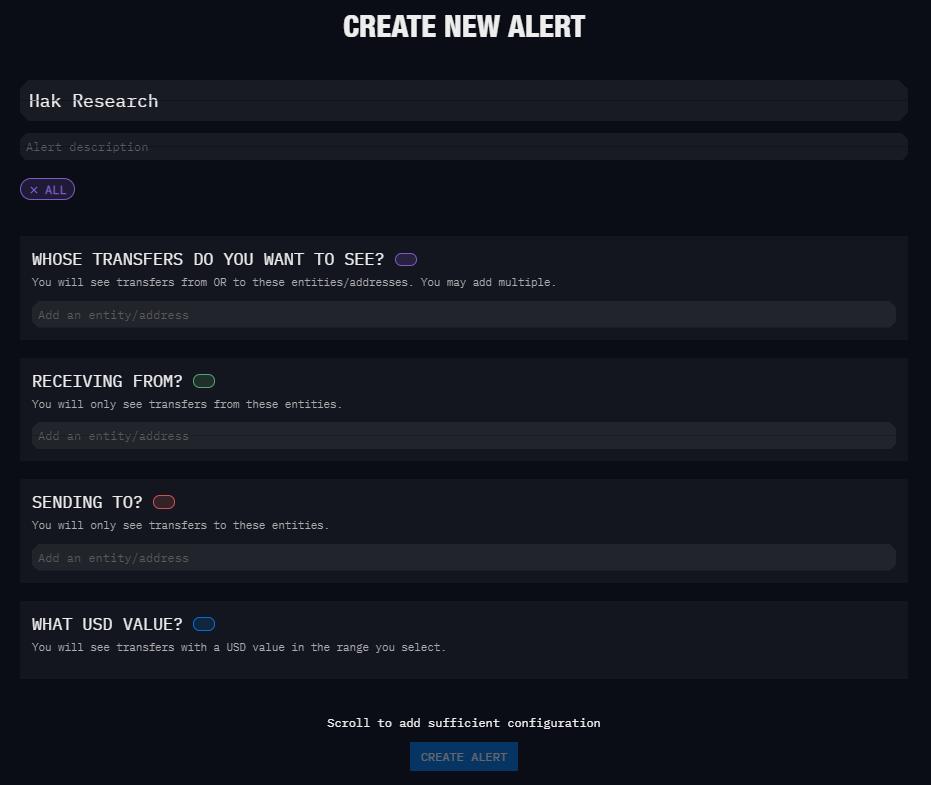
To use the Arlets interface, people can follow these steps:
- Visit the "Arlets" section.
- Select "Create Arlet" to create a new alert.
- Fill out the information for the alert and choose where Arkham will notify it.
Visualizer interface
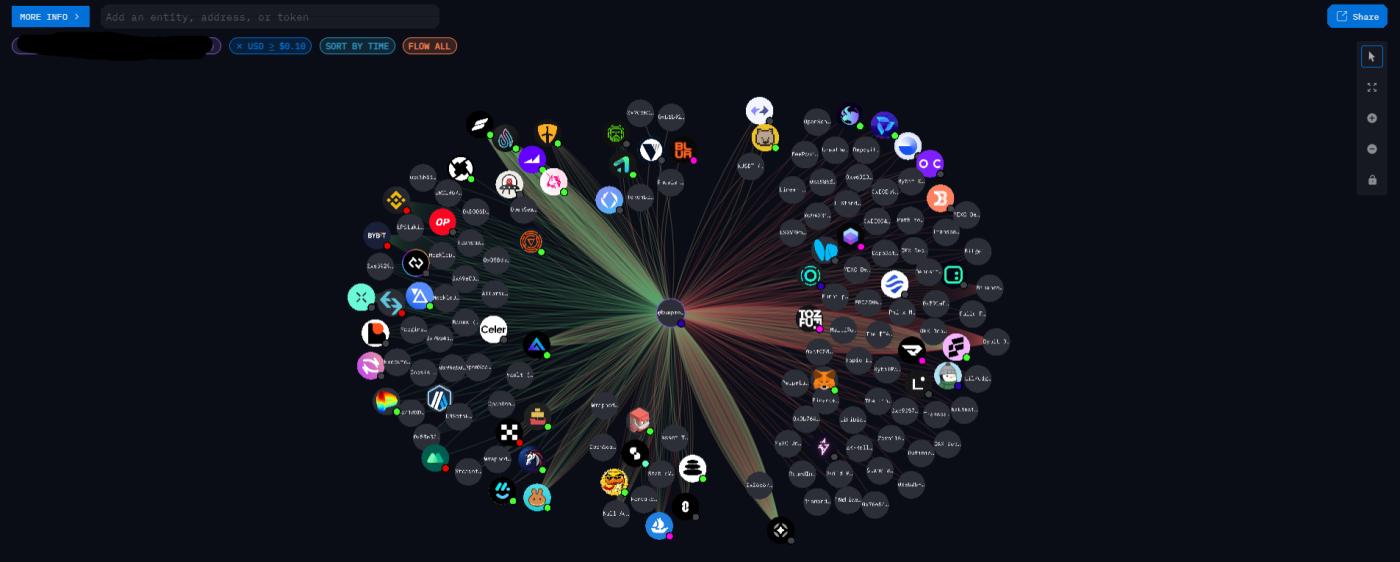
To use the Visualizer interface, people can follow these steps:
- Go to "Visualizer".
- Select the search section to find an entity, wallet, or enter an external wallet address.
Intel Exchange interface
To use the Intel Exchange interface, people can follow these steps:
- Marketplace Home : This is where everyone can see all the transactions going on.
- My Bounties : Where people can create bounties to seek information from on-chain hunters.
- My Submissions : Where people can check other people's bounty submissions.
- My Listing : Where people can create and list their on-chain information.
- My Bidss : Where people can check price offers with on-chain information for sale.
Tracer interface
To use the Tracer interface, people can follow these steps:
- Add a wallet address to the "Add an Address" section.
- Customize other information such as volume, transaction time, Token,...
- Select the wallet address that appears to change and draw interaction diagrams between protocols, Token,...
Summary
Above is a guide to using Arkham for on-chain analysis from Hak Research. Hopefully, through this article, Hak Research has helped all newcomers be able to use Arkham most proficiently.
The post Instructions for Using Arkham for On-Chain Analysis appeared first on HakResearch .