Solana is a strong blockchain platform that is growing rapidly over time. Solana Blockchain attracts the attention of the community because of a number of advantages such as cheap transaction fees and fast transaction times. Current market cash flow is also pouring into this ecosystem. So do you have a wallet to store Token on the Solana blockchain?

In this article, I will introduce the Sollet wallet and guide you to create and use the simplest Phantom Wallet to store Token on the Solana blockchain.
What is Phantom Wallet? 
Phantom Wallet is a cryptocurrency wallet integrated on the Solana blockchain network. The wallet is available as a browser extension, providing the ability to manage digital assets and access decentralized applications running on the Solana blockchain.
Phantom Wallet works through generating and managing private keys on behalf of users. This allows them to securely store cryptocurrency and conduct transactions on the Solana network through digital signing.
Instructions for creating a Phantom wallet
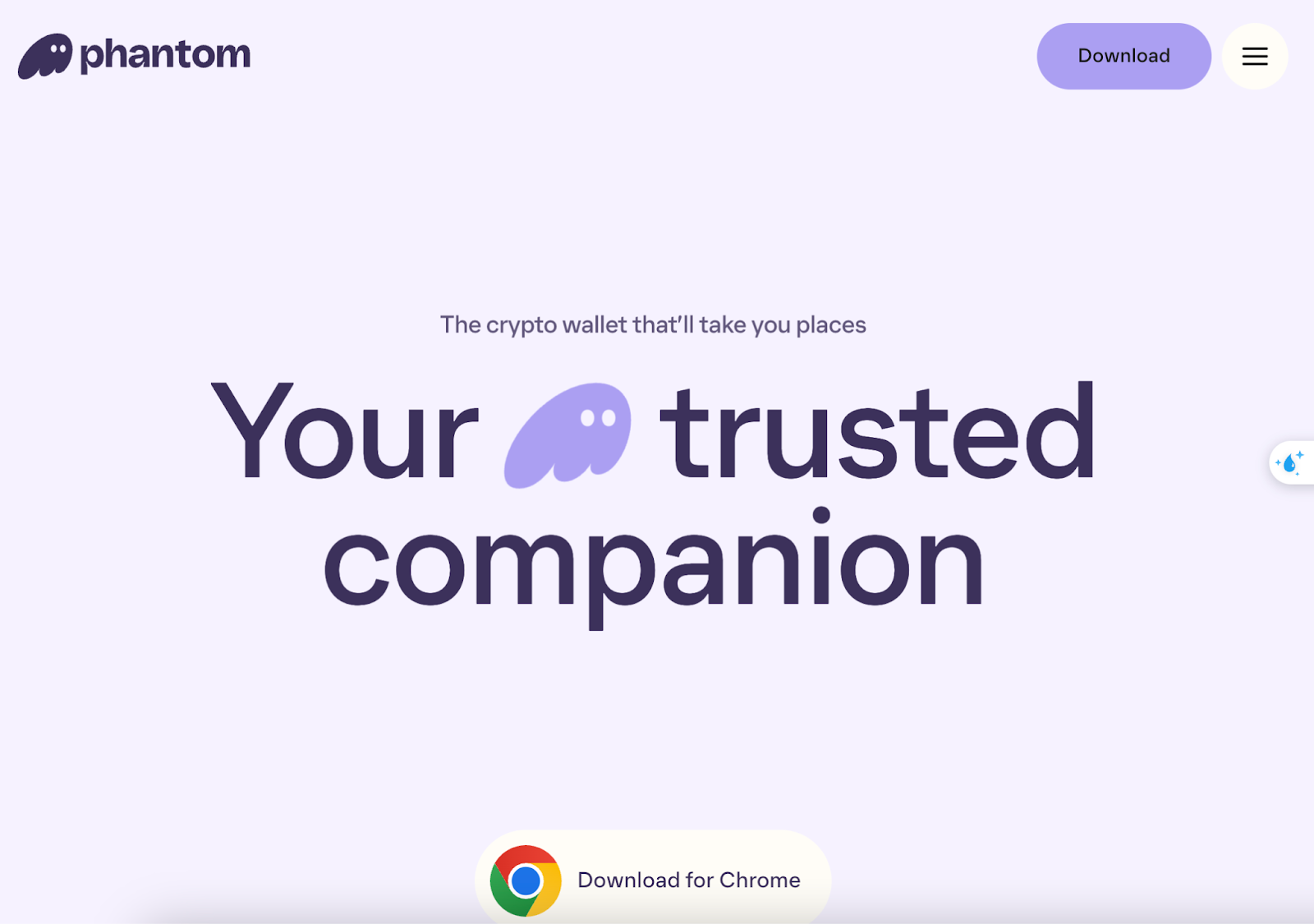
Step 1: Go to the website https://phantom.app/ and select Download
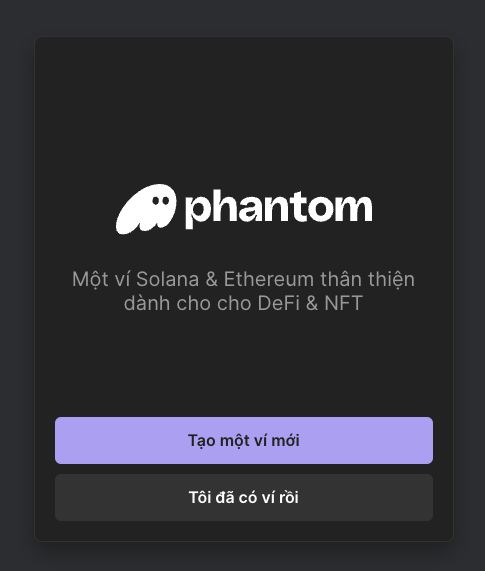
Step 2: Select Create a new wallet => Fill in the password and confirm the password => Make a 12-character backup.
Note: Carefully store the Seed Phrase to restore your wallet and log in when needed
Step 3: Deposit money into the wallet by copying the $ SOL wallet address
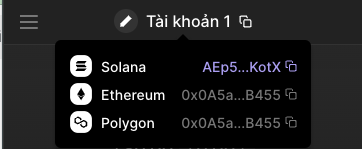
Copy here AEp5...KotX then go to centralized exchanges like Binance, OKX,.. to buy $ SOL, then send $SOL to your Solana wallet address (For example SOL wallet will be in the form: AEp5kgKwDHfe1uYf2JXVcrhgBgnUv1T7KotX)
How to get Seed Phrase/Private Key to restore Phantom wallet
You go to settings => Select image logo => Select Show secret phrase (Seed Phrase) or Show Private Key (Private Key).

Remember to save Seed Phrase or Private Key so you can back up your wallet later!

How to restore Phantom wallet when you have Seed Phrase
In case you already have a Phantom wallet and carefully back up the Seed Phrase . You can restore your wallet to continue using it.
Select the 3-line bar in the right corner of the screen => Select the + sign to add a wallet => Select Enter a secret recovery phrase or enter the private key and you can restore the wallet!
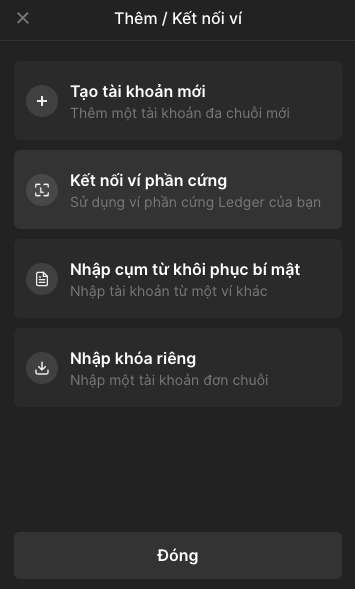
Create a secondary wallet on Phantom 
Select the 3-line bar in the right corner of the screen => Select the + sign to add a wallet => Create a new account => Name the wallet and you're done.