Following Fren Pet and xPet, the Solana ecosystem welcomed another "virtual pet raising" game yesterday (4th) - OKZOO . The game quickly became a topic in the community, with total downloads exceeding 21,000 times. Like xPet, OKZOO also exists as a browser plug-in software, and the game screen is displayed on the X platform.
OKZOO: xPet imitation disk on Solana
OKZOO is a project founded by PandaPoo . It has received incubation support from GuildFi, Moby, and GameSwift institutions, and has successfully attracted investment from angel investors including 0xSun, Joseph Young, and Jun Park.
Since the game just opened registration yesterday, many features are still expected to be under development. Currently, you can only complete daily tasks to accumulate OK points. According to the official document , OKZOO plans to launch $OKZ tokens on the Solana chain, and details such as the acquisition method and time have not yet been announced, but it is speculated that it is inseparable from OK points, so it has aroused heated discussions in the airdrop community. The following is early participation in teaching. It is worth continuing to pay attention to the official X for the latest updates.
Participate in teaching
1) Go to the official website to download the Chrome plug-in
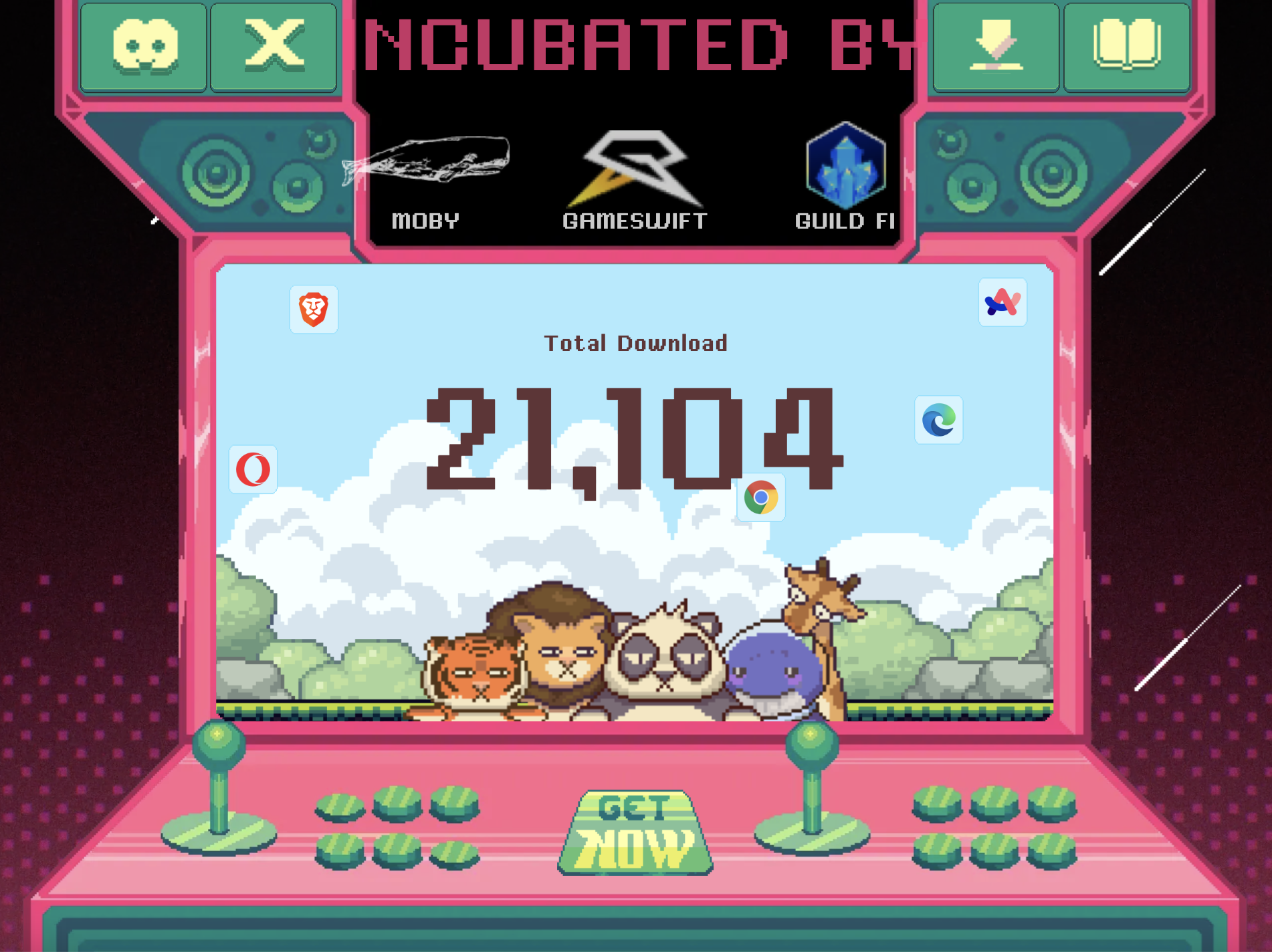
The official website screen is as follows, and you can see that the total downloads have exceeded 21,000 times. Click "Get Now" at the bottom of the screen and it will automatically jump to the Chrome Online App Store where you can download the OKZOO plug-in.
2) Bind X account and enter the invitation code
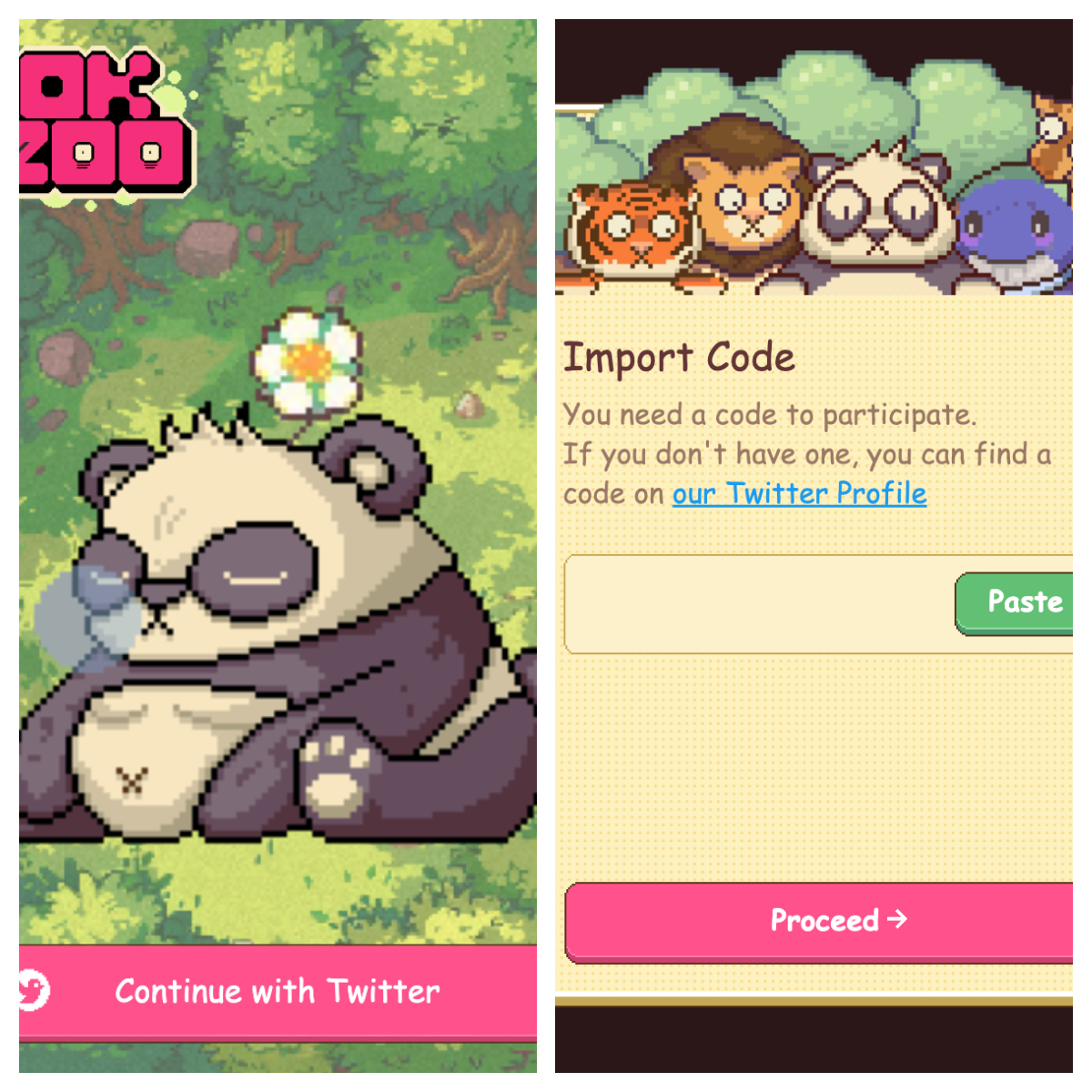
After the download is completed, reopen the X screen and the pet will appear. Click on the pet to bind the X account, and then enter the invitation code to get a pet for free.
Note: If you don’t mind, you can fill in the following invitation codes: okz_r94o6, okz_q37n6, okz_yeq8w, okz_4w8af, okz_j7bxm
3) Click on the pet to start interaction and accumulate OK points
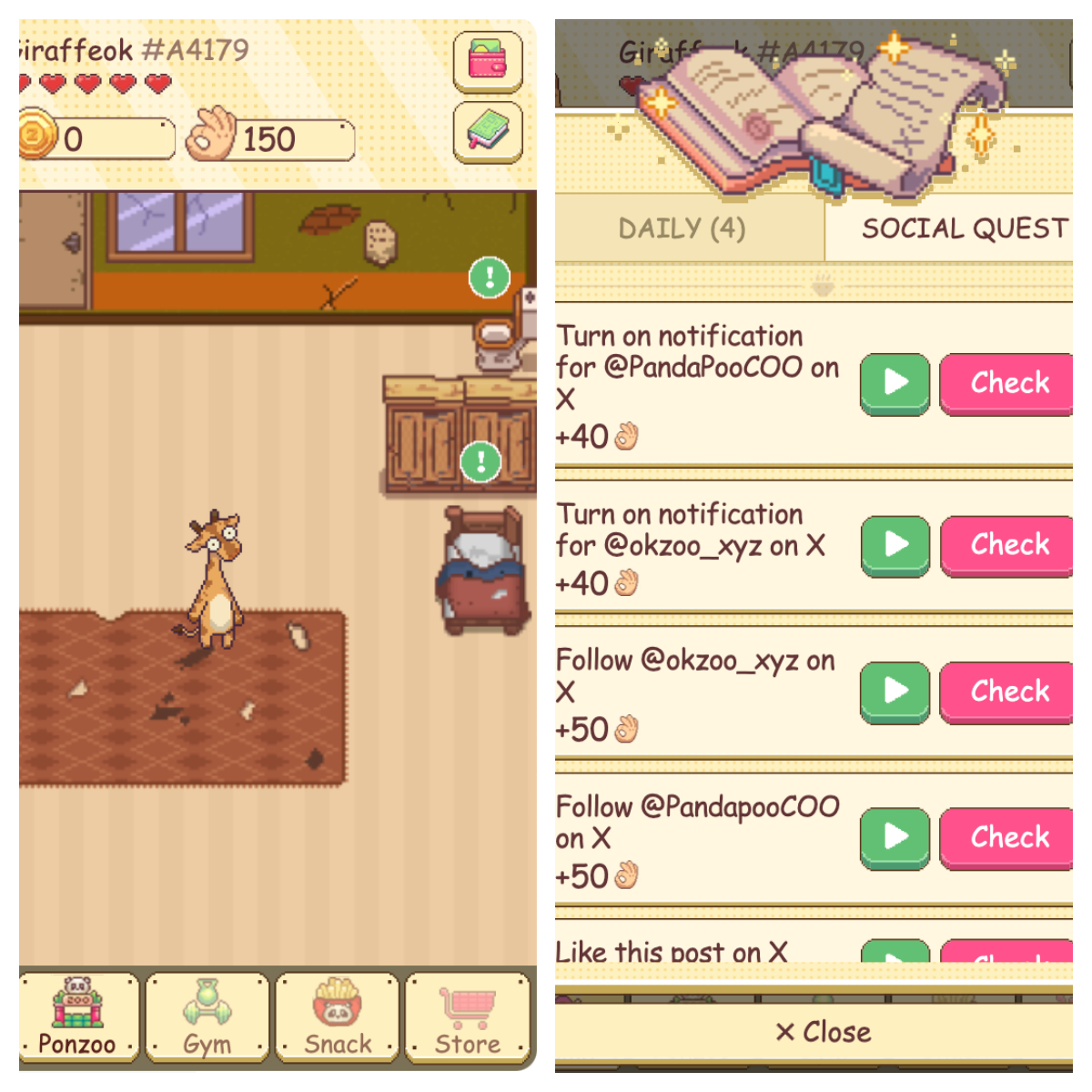
Click on the pet to start the interaction. The "exclamation point" icon in the left picture is an interaction that can be clicked to accumulate points. OK points can be seen next to the "OK gesture" at the top of the left picture.
Or you can click the "Book" icon in the upper right corner of the left picture to enter the daily tasks and social tasks in the right picture. You can also accumulate points by completing them.
Note: The project risk in the early stages is relatively high, and completing the task currently does not cost any money, so there is no need to transfer Sol to the wallet in the game screen for the time being.