ChatGPT has updated a major feature late at night —
Deep Research can now directly connect to GitHub!

So what is the effect?
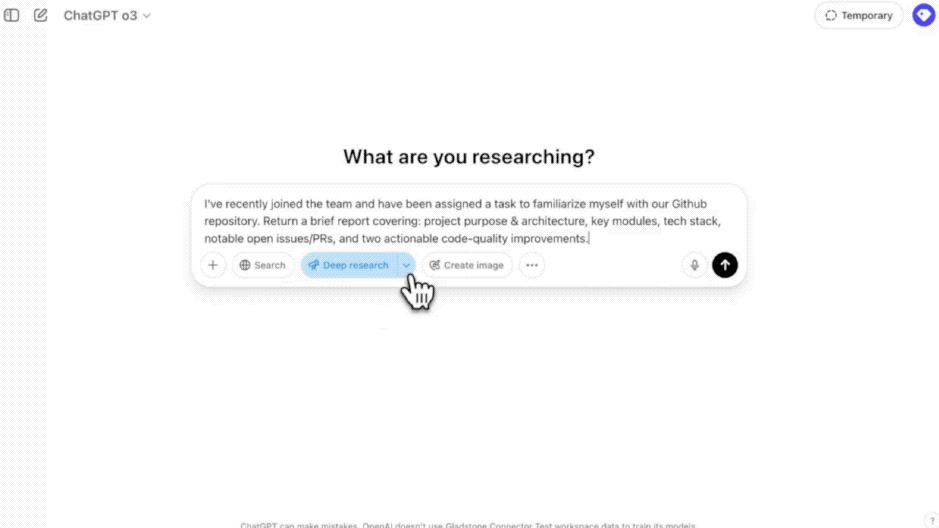
For example, when we click on "Deep Research" and propose a requirement:
I recently joined the team and was assigned a task to familiarize myself with our GitHub code repository. Please provide a brief report including: project purpose and architecture, key modules, tech stack, notable open-source issues/merge requests, and two executable code quality improvement suggestions.
After sending the question, the "GitHub" option will appear at the bottom of the input box; then we can enter the desired content in the "Search repos" box, such as "codex":
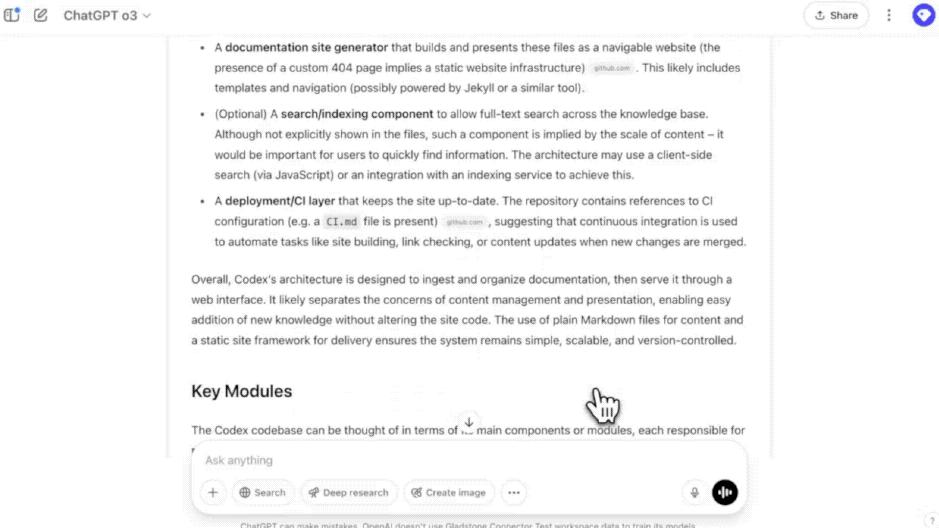
Then, ChatGPT will directly connect to 18 related repos on GitHub and generate answers based on this:
Netizens saw this and believed it was a feature update that benefits developers, with some exclaiming:
This is true RAG.
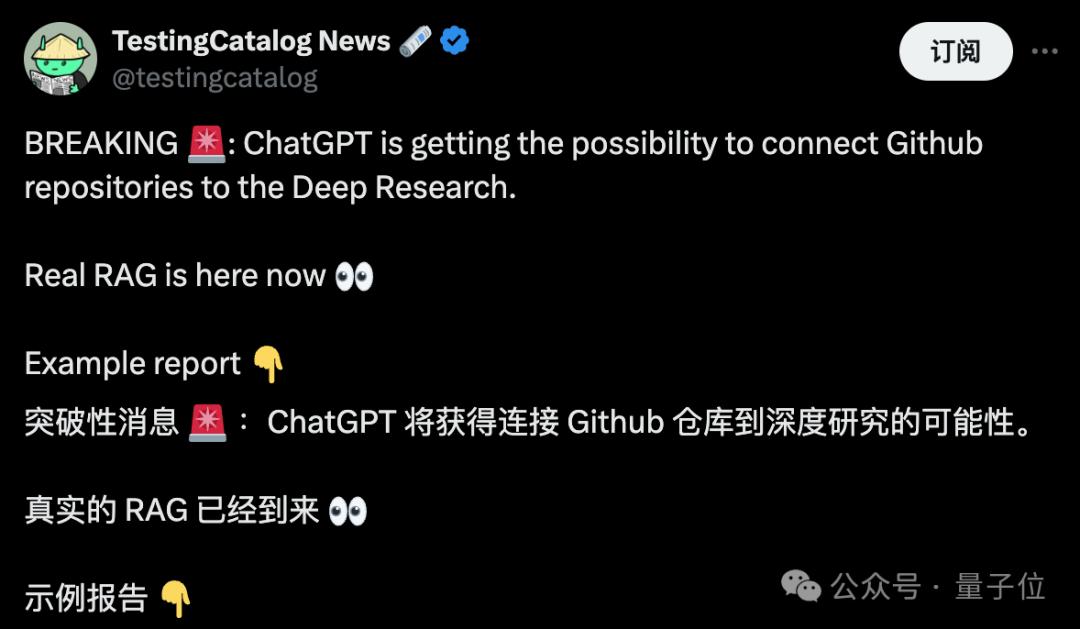
Currently, this feature is still in the testing stage and is available to Team users globally, and will be gradually opened to Plus and Pro users.
How exactly does it interact with GitHub?
Some netizens have raised many questions about this new feature.
OpenAI has also simultaneously launched a Q&A document that details how ChatGPT specifically interacts with GitHub.
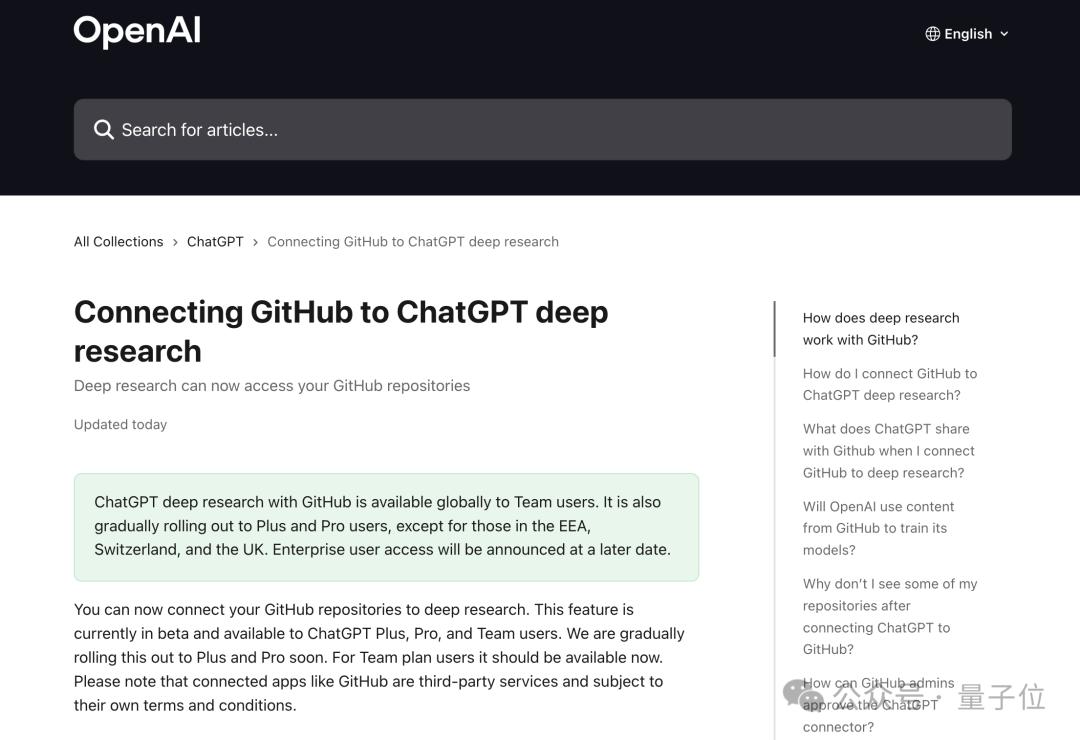
In terms of usage, as we just demonstrated, when you connect GitHub with Deep Research, ChatGPT can directly obtain real-time data from your code repository (including code, README files, and other documents) and analyze it instantly.
You just need to complete the connection, ask a question, and Deep Research will automatically read and analyze your GitHub content, directly citing relevant fragments to answer.
In addition to the operation method just shown, you can also enter ChatGPT settings, select "Connected apps", find the "Connectors" option, and then click the "Connect" button next to GitHub.
If you need to adjust the range of code repositories that the connector can access, simply click the gear icon next to GitHub in the settings to jump to the GitHub connector configuration page.
When you ask a question in the connected GitHub repository, ChatGPT will automatically generate search keywords based on your question to find relevant content.
For example, if you ask: "Can you tell me where the backend code for file upload is?"
ChatGPT might search using keywords like "file upload handler backend".
If necessary, it will also try various search methods to ensure finding the most relevant code or file.
Additionally, a question many netizens asked is: Will OpenAI use GitHub content to train its model?
OpenAI's response is:
For enterprise products (such as ChatGPT Team, Enterprise, Edu, and API services), user-submitted content is not used to improve our model by default.
If you are using personal version services (such as free ChatGPT, Plus, and Pro versions), when the "Improve model for everyone" option is enabled, we may use your content to train the model.
Finally, a few notes:
Code repositories will take about 5 minutes to appear in Deep Research's GitHub connector
Only GitHub repository names can be searched, and specific file names are not supported
Reinforcement Fine-tuning also officially released
In addition to the "GitHub Connector", OpenAI also released a new feature in the early morning —
Reinforcement Fine-tuning (RFT).
Yes, the function that OpenAI previewed last December can now be officially used in o4-mini!
Specifically, RFT uses chain-of-thought reasoning and task-specific scoring to improve model performance, especially suitable for complex domains.
Taking AccordanceAI as an example, they used RFT to fine-tune a model that reaches top-level performance in tax and accounting, with the following specific effects:
So what are your thoughts on these two new features from OpenAI? Welcome to discuss in the comments~
Reference Links:
[1]https://x.com/OpenAIDevs/status/1920556386083102844
[2]https://x.com/TheRealAdamG/status/1920577066455740850
[3]https://help.openai.com/en/articles/11145903-connecting-github-to-chatgpt-deep-research
[4]https://x.com/OpenAIDevs/status/1920531856426143825
This article is from the WeChat public account "Quantum Bit" (ID: QbitAI), author: Jin Lei, published by 36Kr with authorization.