If you've been hanging out in developer communities lately, the name Open Claw has definitely come up more than once. Some say it "revolutionized their workflow," others say "once you use it, you can't go back," while still others think it's just an AI tool for writing code—how special can it be?
This article will not discuss gimmicks, but will focus on the capabilities themselves—what exactly can Open Claw do, what are the fundamental differences between it and other AI tools you have used, and in which scenarios will you really think "this thing is a bit outrageous".
Let's start with a fundamental difference.
Most AI programming tools on the market essentially do one thing: give you suggestions while you work . You're typing, it's watching you, and then it says, "This is probably what you're going to write next."
Open Claw is different. Its design logic is: traditional AI programming tools
You're working, and it's helping you.
You are the main player, and the AI is the assistant. You write each line, it provides suggestions, and ultimately you decide whether to adopt them.
Open Claw
You give it a goal, and it accomplishes it.
You say, "Do this for me," and then go get some coffee. It reads the code, breaks down the tasks, writes the implementation, runs the tests, and submits the results all by itself.
This distinction may sound simple, but it signifies a completely different way of working. You are no longer "writing code with tools," but rather "assigning tasks to agents."
This marks a watershed moment in the evolution of AI programming tools from "co-pilot" to "autonomous driving".
What exactly can it do?
Describing a few real-world use cases is much more intuitive than listing all the features.
Give it a bug, and it will find, fix, and verify it itself . You only need to describe the problem or simply send it the error message. Open Claw will read the relevant code, locate the root cause, write a fix, and then run tests to confirm that no new problems have been introduced. For bugs with clear logic, you don't need to supervise the entire process at all.
🏗️Build your project structure from scratch. Tell it what you want to do, what your technology stack is, and it can help you build the project skeleton—directory structure, basic configuration, and initial implementation of core modules. Instead of generating a bunch of code that you have to manually organize, it directly writes it into the repository.
🔁Cross -file and cross-module refactoring is where it surpasses single-file AI tools by an order of magnitude. Open Claw can understand the entire repository structure, track cross-file dependencies, and accomplish tasks like "changing A requires simultaneous updates to B and C." Moreover, after making changes, it can run tests to confirm that it hasn't broken other parts of the repository.
📝Automatically write tests for it using existing code, allowing it to complete unit or integration tests. It can understand the intent of the code and generate test cases that cover the main logical paths, rather than those formalistic tests that "pass but have no practical meaning".
📖Understanding an unfamiliar codebase and then working on it: When taking over an unfamiliar project, Open Claw can first read through the repository to understand the architecture and core logic, and then complete the tasks assigned to it based on that understanding. You don't need to write a detailed project document for it beforehand.
What is the relationship between OpenClaw and GitHub?
Open Claw is not a standalone tool; its entire workflow is built on GitHub.
This isn't the kind of connection where you "need to log in to GitHub." It needs GitHub permissions to read your code, GitHub identity to commit changes, and GitHub Actions to run automated tests. The core credential for it to continue working unattended is something called a Personal Access Token.
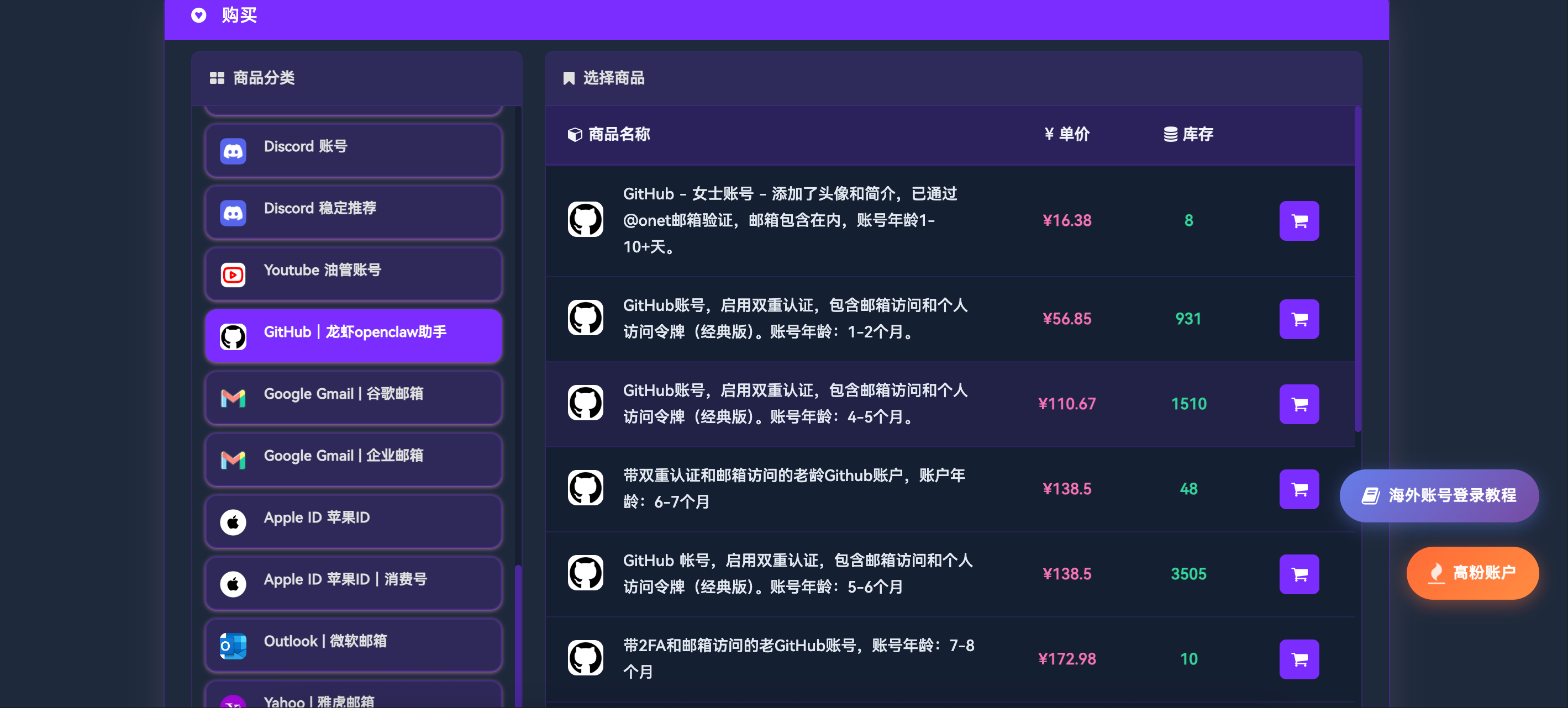
In other words, the GitHub account is the foundation upon which Open Claw can run. A well-configured account will work stably; a poor-quality account will cause frequent problems throughout the automated process.
Its limitations also need to be clearly explained.
Open Claw is powerful, but it's not a panacea. Here are a few limitations you might encounter in practice:
Complex business logic still requires human intervention.
In scenarios involving specific business rules, domain knowledge, or highly customized needs, its performance will significantly decline. It doesn't understand your business and requires you to provide sufficiently clear context, or for its output to be manually reviewed.
The clearer the task description, the better the result.
Send it a request like "Help me optimize this project," and you'll be disappointed. But it will do a great job of handling requests like "Change the database queries in the user-service from synchronous to asynchronous, keeping the original interface unchanged." Vague input, vague output—just like hiring people.
It will make mistakes and needs your review.
The code generated by Open Claw is not 100% reliable, especially in edge cases and exception handling. It is more reasonable to use it as a highly efficient collaborator that requires code review, rather than a completely trusted black box.
Is it worth using?
The answer to this question depends on your current work pattern.
If you spend most of your time writing repetitive code, performing routine bug fixes, and maintaining a project that is already of a certain size, Open Claw can significantly reduce the time cost of these tasks.
If you are doing highly creative design, exploring cutting-edge technologies, or handling business logic that requires in-depth domain knowledge, it is more of an aid than a replacement.
But one thing is certain: these agent tools represent a real direction, and the upper limit of AI programming is being redefined. Open Claw is currently in a state where it's worth giving it a serious try.
📌 About TGX Account: One-stop purchase for overseas accounts
Offers accounts on multiple platforms including GitHub, Twitter, Instagram, and Threads, with stable operation for over 2 years, supporting both retail and wholesale.
📩 Official Website: https://www.tgxaccount.com?from=5397 💁♀️ Telegram: https://t.me/TGXaccount666
❓ Frequently Asked Questions
Frequently asked questions about Open Claw capabilities and use cases.
What is Open Claw? How does it differ from GitHub Copilot? Open Claw is an open-source AI programming agent. The core difference is that it "autonomously completes tasks" rather than "assisting you in writing code." Copilot provides suggestions as you type, while Open Claw requires you to give it a goal, and it then reads the code, breaks down the tasks, writes the implementation, runs tests, and submits the results on its own. The level of automation is completely different.
Which programming languages does Open Claw support? Open Claw itself does not restrict languages. It operates by reading repository code and executing commands, and theoretically supports any language with a command-line toolchain—mainstream languages such as Python, JavaScript, TypeScript, Go, Rust, and Java can all be used normally.
Is Open Claw free? What environment is required to run it? Open Claw itself is open source and free, but it requires integration with an underlying language model (such as Claude, GPT-4, Gemini, etc.), which incurs API call fees. Environment requirements: A machine capable of running Node.js (local or cloud server is acceptable), and a GitHub account configured with PAT.
Can Open Claw automate the entire project? For projects with a clear structure and well-defined requirements, Open Claw can handle most of the work, from building the architecture to writing the core logic. However, it's not a panacea—complex business logic and highly customized requirements still require human intervention for review and adjustment. It's more appropriate to understand it as a "significantly faster automation assistant" rather than a "complete replacement for developers."
Why is a GitHub account required for Open Claw? Open Claw's workflow is entirely built on the GitHub ecosystem: reading and writing code repositories requires account permissions, triggering automated tests requires GitHub Actions, and committing changes requires account identity. More importantly, it uses Personal Access Tokens to enable unattended continuous operation, which is the core credential for the entire automated process to run.
How does Open Claw perform in bug fixing? This is one of Open Claw's most impressive scenarios. Give it an error message or a clearly described bug, and it will automatically read the relevant code, locate the problem, write the fix, and run tests to verify it—all without human intervention. For bugs with clear logic, the accuracy rate is quite high.
Can Open Claw handle multi-file, cross-module tasks? Yes. This is where it surpasses ordinary code completion tools—it understands the entire repository structure, tracks dependencies across files, and completes tasks requiring modifications to multiple modules. This "global perspective" is something single-file tools like Copilot cannot achieve.
Where can I purchase a stable GitHub account for Open Claw? TGX Account offers GitHub accounts for various age groups, including 2FA, email access, and Classic PAT, suitable for automated use cases of Open Claw. Contact Telegram customer service for details.