Just now, my phone connected with Codex!
OpenAI announced that " Codex in the ChatGPT mobile app " has started internal beta preview.
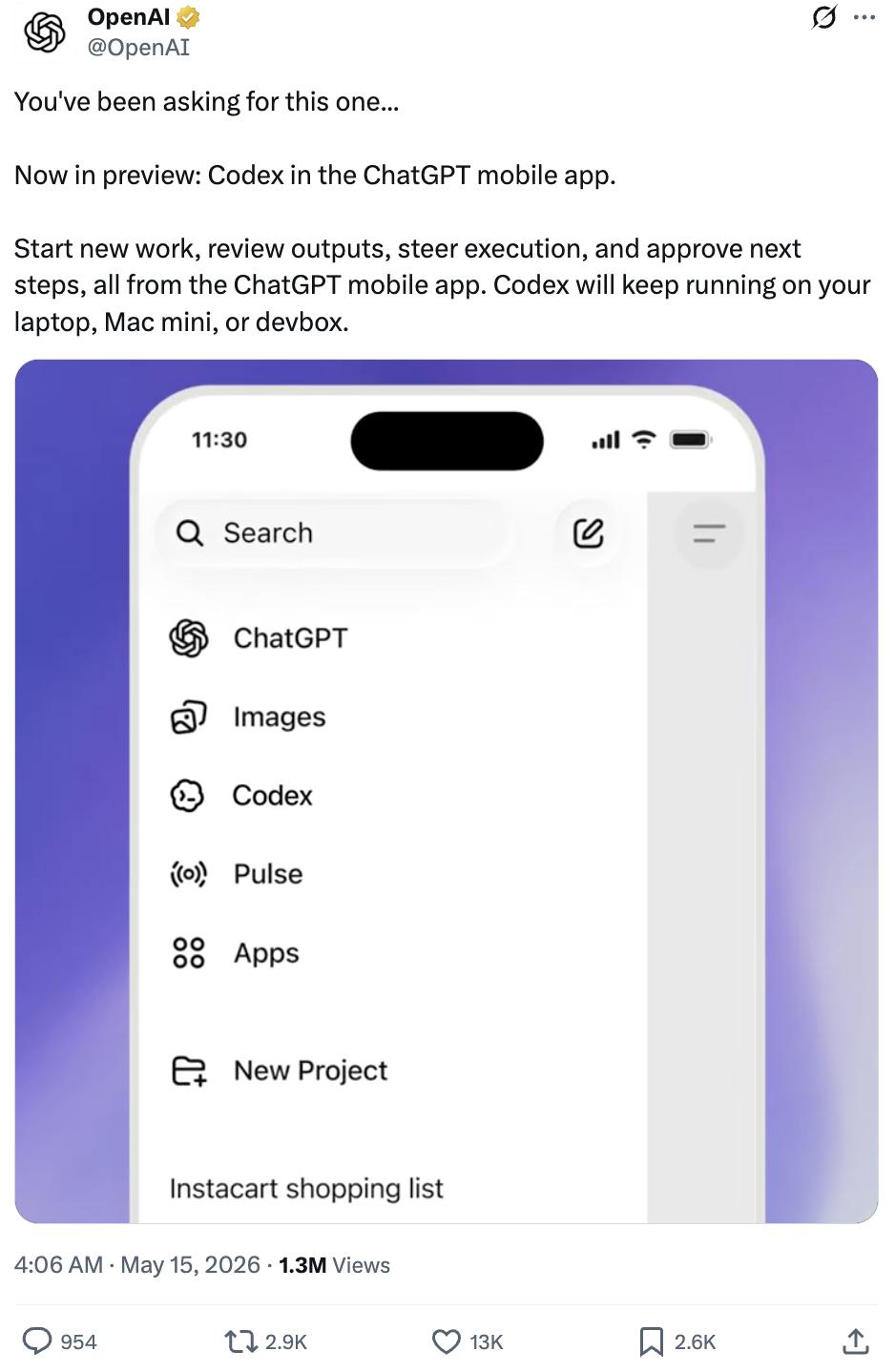
Now, by opening the ChatGPT app on your phone or iPad, you can directly create new tasks for Codex, view the generated results, control the execution process, and confirm the next step.
The actual Codex component, which runs the code and performs the tasks, still runs in the background on your computer or other devices .
A mobile phone is like a portable remote control .
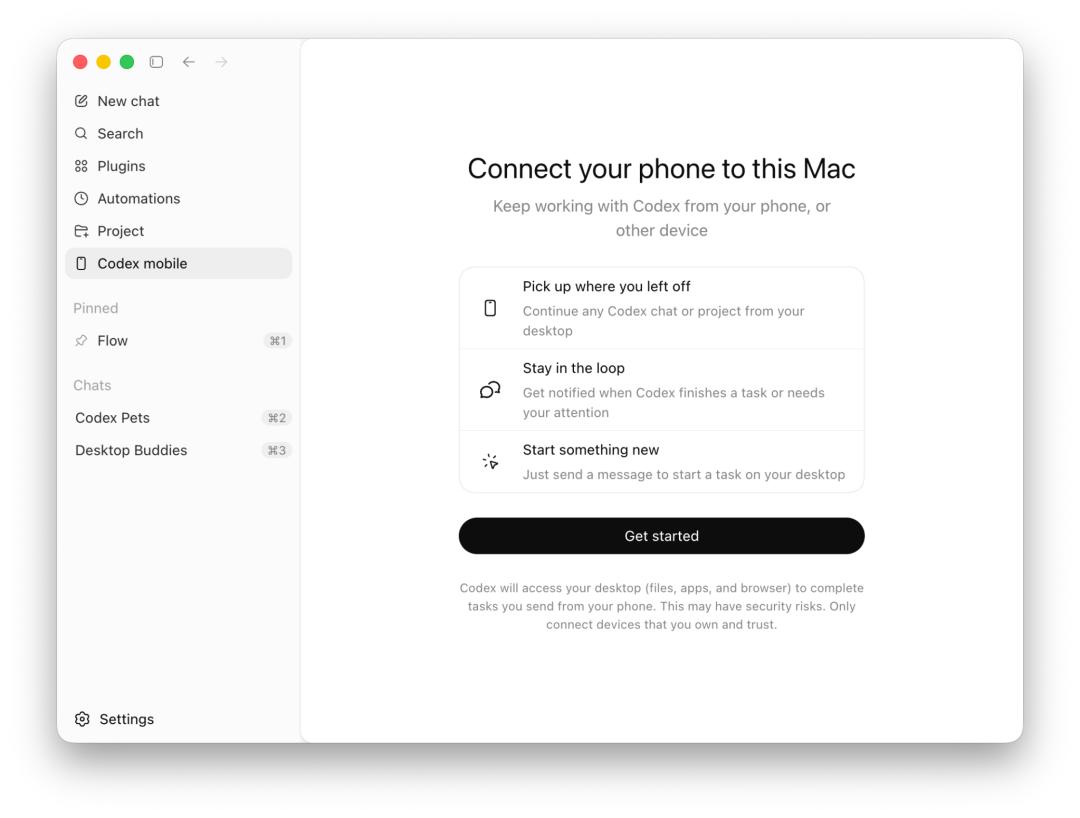
OpenAI officially stated that this feature has been rolled out in batches and is supported on both iOS and Android phones . All plan users (including the free version) can experience it in supported regions.
In addition, mobile phone connectivity to the Windows version of Codex will be available soon .
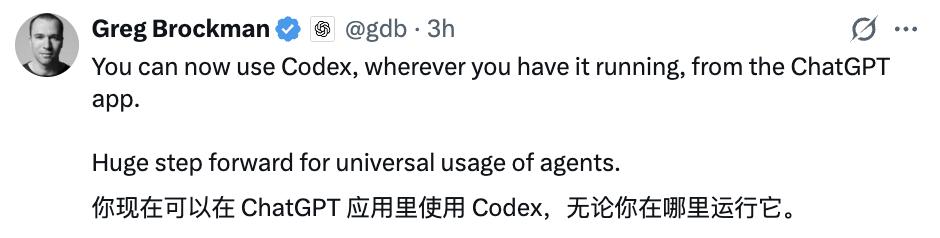
Ultraman and President Greg both tweeted to promote the event immediately.

Netizens have been eagerly anticipating this feature:

Some students are even considering abandoning Claude Code altogether.

You can control Codex with your phone.
Let's take a look at the official demonstration.
Within the ChatGPT mobile app, a task instruction is issued to Codex, instructing it to modify the video script in the video editing tool Remotion, export the MP4 file, and then simultaneously send it to the team collaboration platform Slack group:
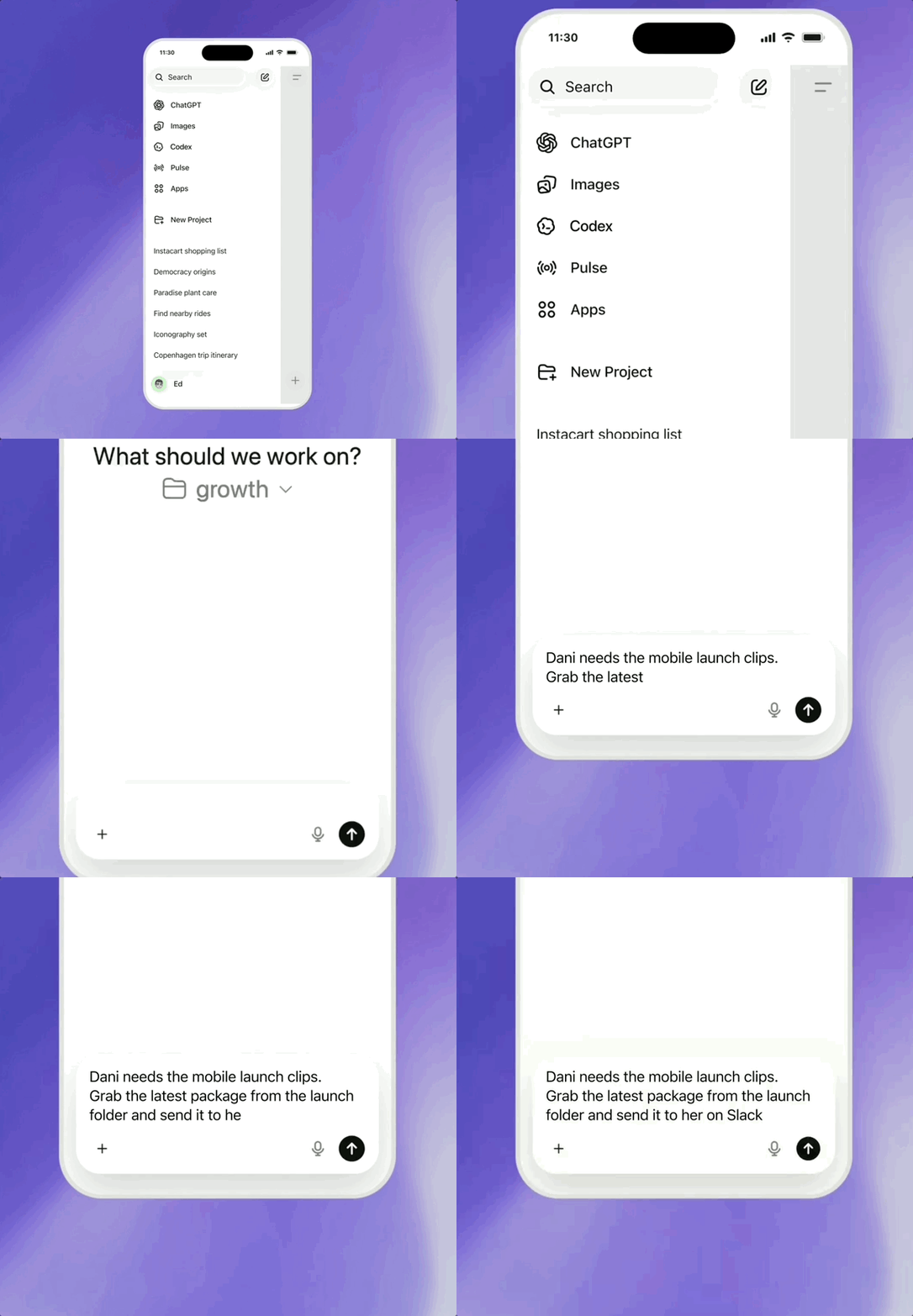
Upon receiving the command, Codex immediately and automatically executes the entire set of operations on the computer:
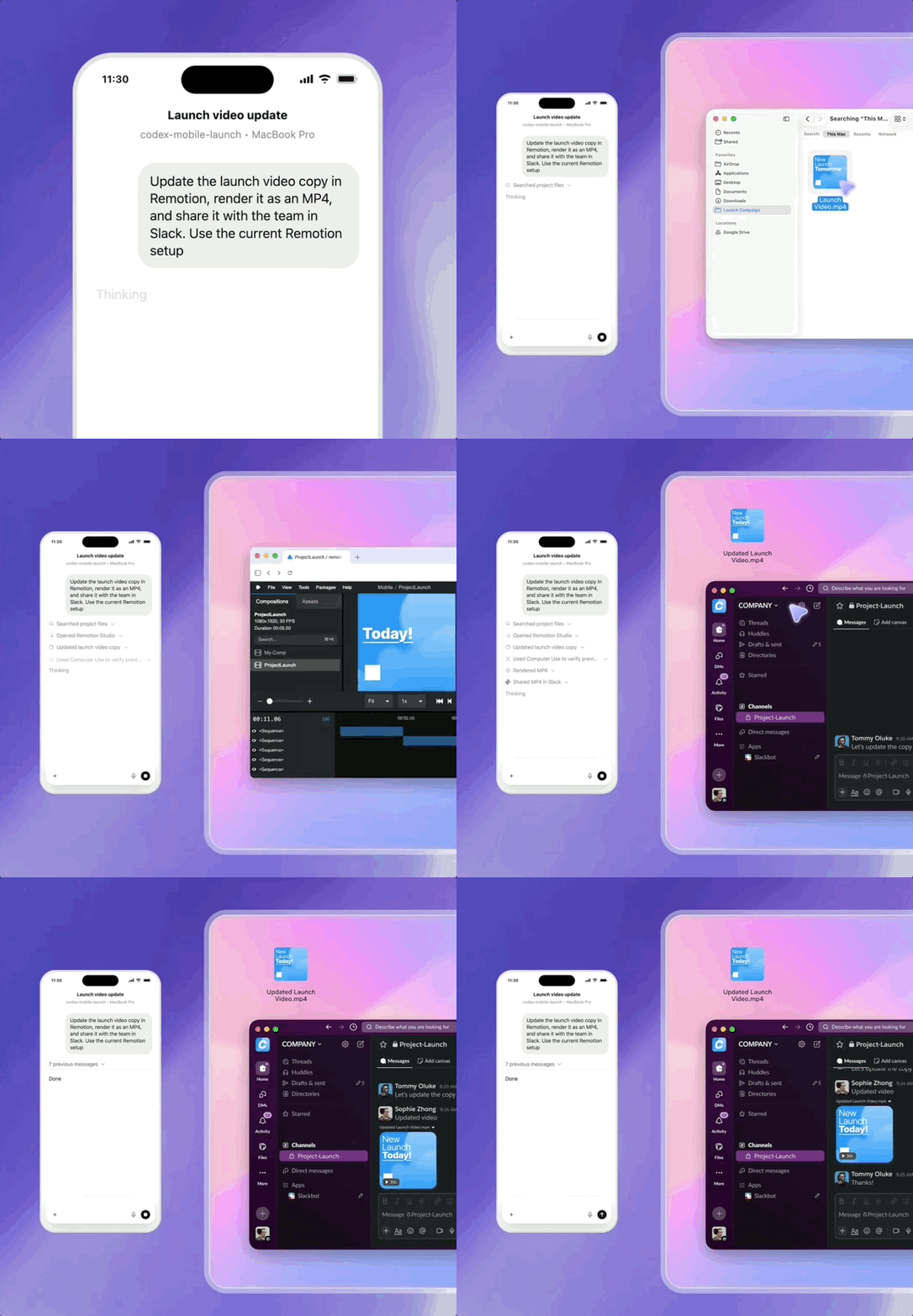
Once the entire process is complete, Codex will reply "Done" in the chat interface on your mobile device to inform you that the task is finished.
OpenAI stated that Codex, integrated into the ChatGPT mobile application, offers comprehensive practical capabilities, enabling you to efficiently collaborate on various tasks on your mobile device.
Once you connect to any device running Codex (MacBook, Mac mini, or managed remote environment are all acceptable) , the mobile app will sync the device's real-time status, allowing you to seamlessly manage ongoing tasks, approvals, plugin functionality, and full project information.
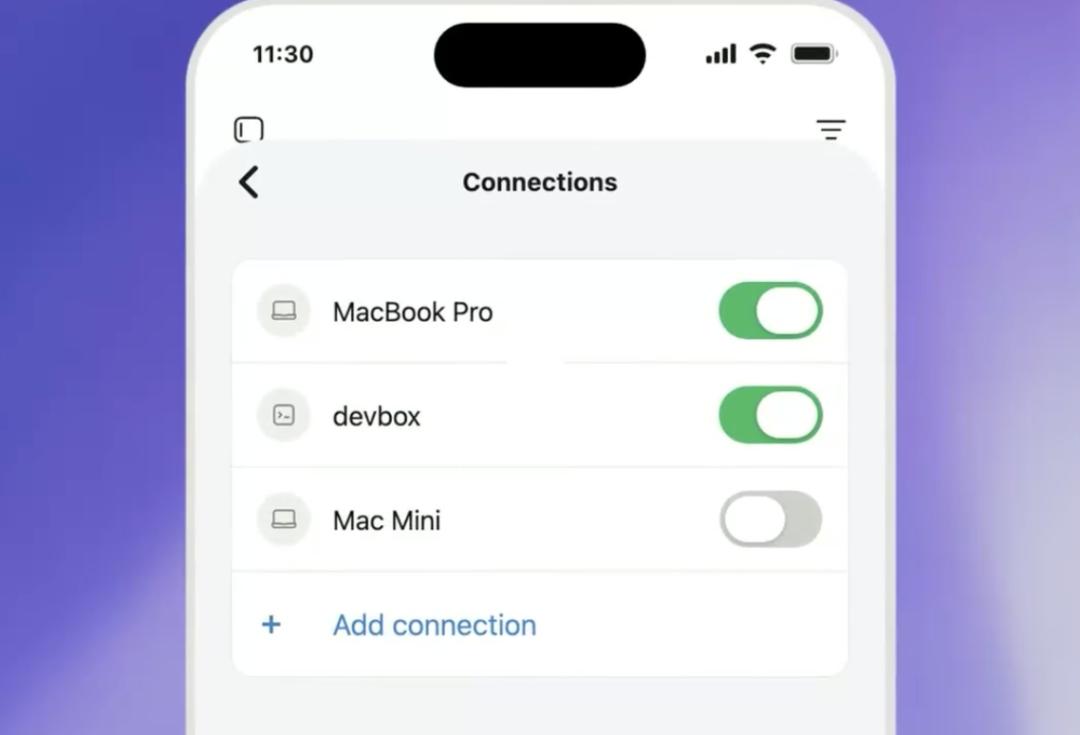
Moreover, it's not just a simple one-task remote control.
You can manage all task processes, view output results, confirm execution instructions, switch AI models, and create new work content on your mobile phone .
Local files, account credentials, permission settings, and environment configurations are all stored on the device running Codex; screenshots, terminal operation logs, code difference files, test results, approval progress, and other information are synchronized to the mobile device in real time.
Furthermore, you don't need to stay in the chat interface indefinitely. You can suspend it in the background. When Codex encounters a critical node that requires user permissions, it will automatically pause the task until you open your phone to view and grant the permissions, and then continue execution.
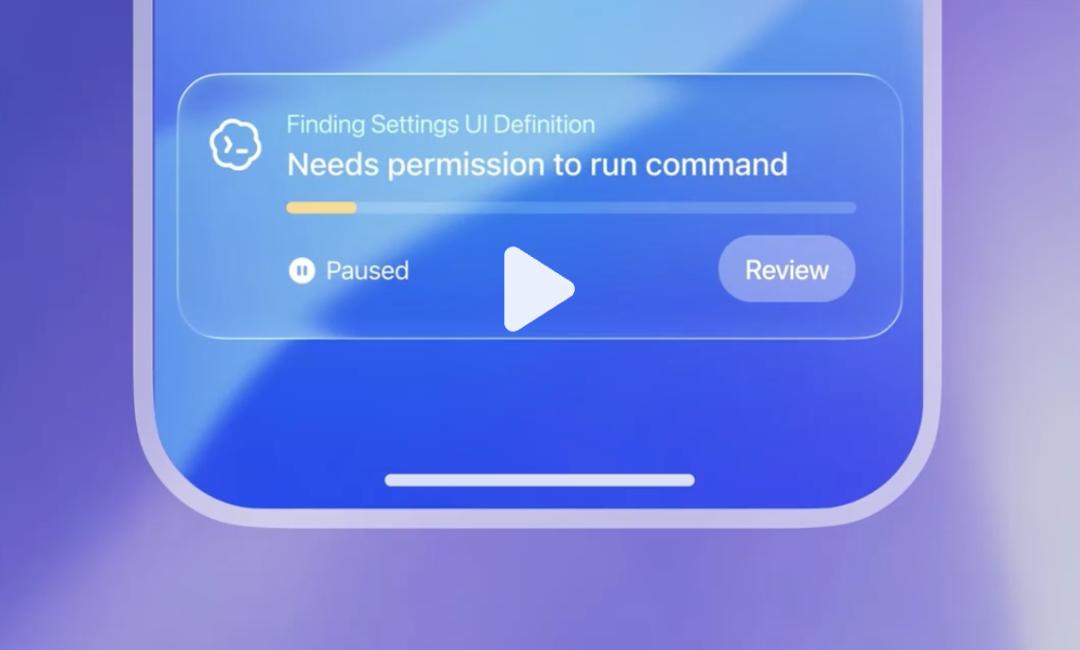
Even complex development tasks that require several hours to run are no problem at all.
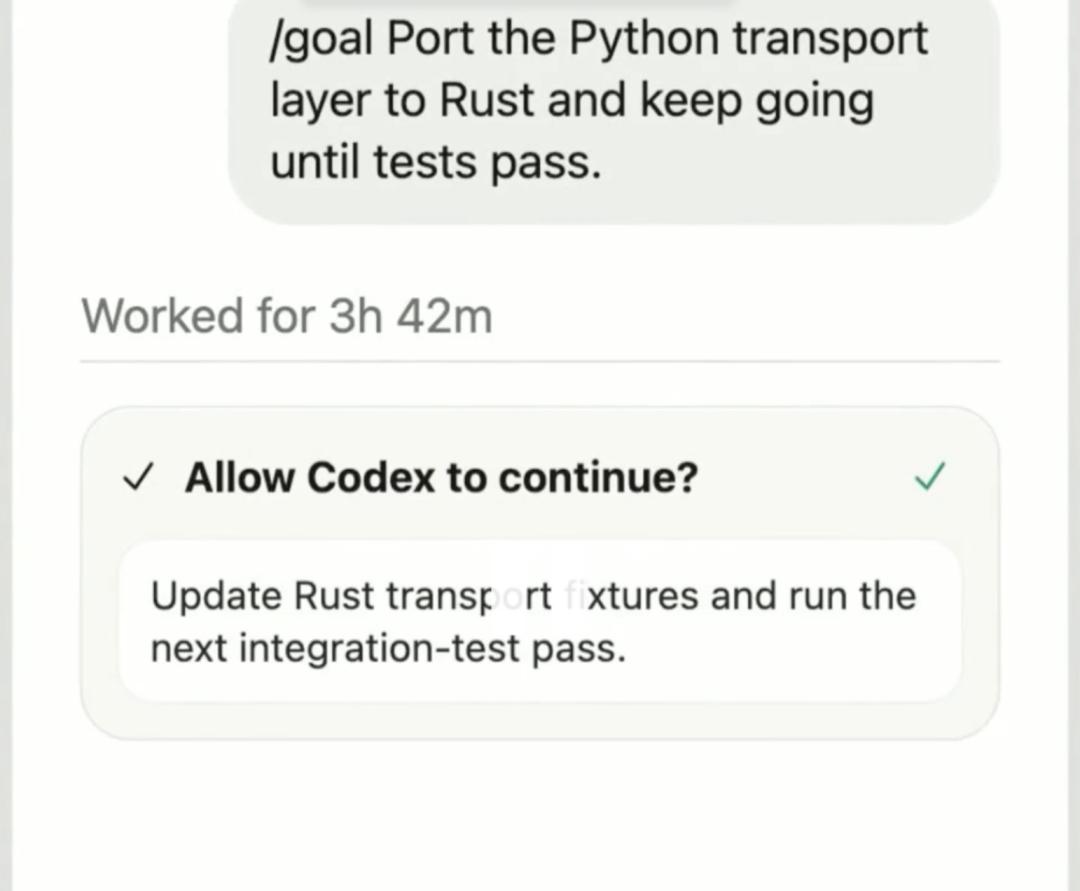
You can also make it your "personal project manager" and tell it:
As my project progress manager, it helps me keep a close eye on release, user growth, and schedule-related data, and only notifies me when there are any changes to the original plan.
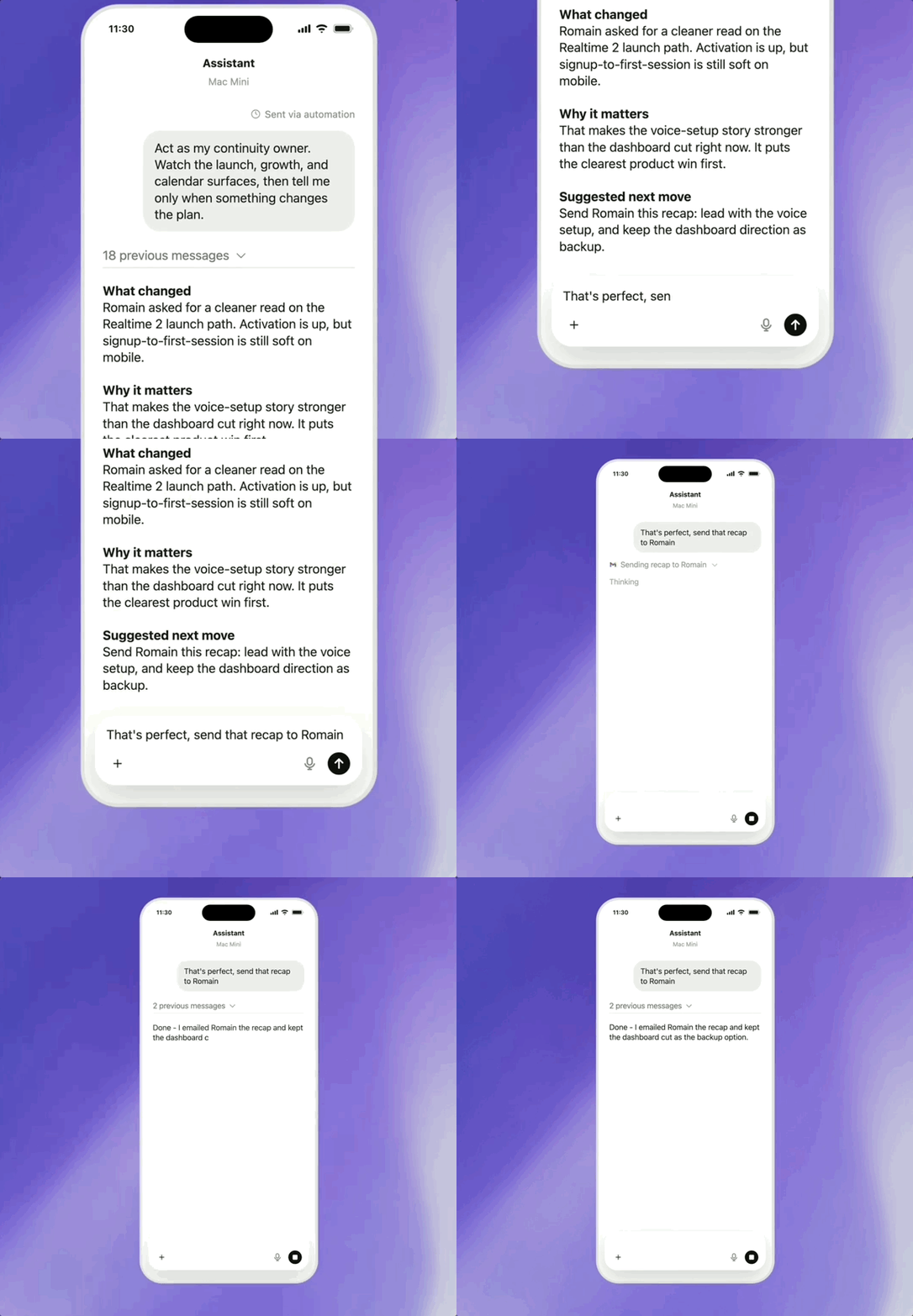
To ensure security, OpenAI also stated that Codex employs a secure relay transmission mechanism at its underlying architecture, enabling connections between trusted devices across multiple devices without exposing them directly to the public internet. This relay service also allows for real-time synchronization of session status and project-related information across all devices logged into ChatGPT.
For enterprise users, OpenAI has also launched several updates to address team development and compliance needs:
- Remote SSH connection is now fully online : Codex can connect to standardized enterprise remote development environments. The desktop client will automatically read your SSH configuration host information. You can create projects and run tasks on remote devices just like you would operate locally. All authorized devices can access the remote device through a secure channel. Start the computer and follow up on the mobile phone. Long-term tasks do not require you to stay at your workstation.
- Programmatic access keys : Enterprise and commercial users can generate targeted permission credentials in the ChatGPT workbench, which are compatible with CI pipelines, version release processes and internal automation scenarios, allowing the system to securely call Codex.
- The Hooks tool is now officially available : users can use it to detect private information in commands, perform compliance checks, retain conversation logs, build project memories, and customize Codex execution rules for different code repositories and folders.
- It supports the use of Codex in local environments (CLI, IDE, applications) in a manner compliant with HIPAA (Healthcare Privacy Act), enabling healthcare institutions to efficiently carry out diagnostic and treatment support work and daily operational processes.
Reference link:
[1]https://x.com/OpenAI/status/2055016850849993072
[2]https://openai.com/index/work-with-codex-from-anywhere/
This article is from the WeChat public account "Quantum Bit" , author: Xifeng, and published with authorization from 36Kr.