Recently, the community has been hotly discussing an AI image generation tool, the "Luma Dream Machine" launched by LumaAI. Like Openai's Sora, it can generate short videos by simply throwing in images. It allows users to easily create high-quality animated videos. After users tried it, they called it a meme artifact, which can greatly improve the efficiency of producing social materials. This article will walk you through how to use this tool for free, from account registration to video generation.
Register and log in
- Go to the LumaAI official website : Open your browser and enter LumaAI's URL, or click here . After entering the webpage, click the "Try Now" button in the upper right corner
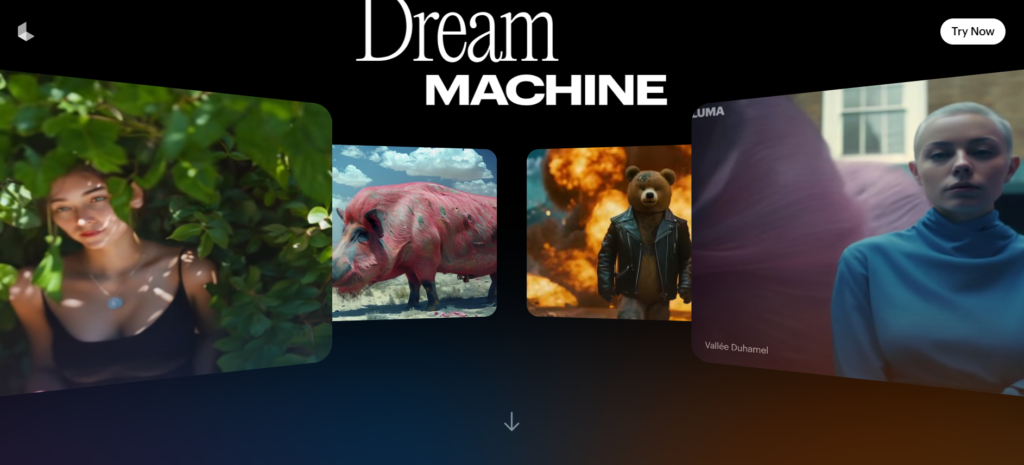
- Register an account : After entering the screen, click the "Sign in with Google" button in the middle, fill in your email address, and the system will automatically log in after registration.

Luma Dream Machine video generation tutorial
- After logging in to Luma Dream Machine , enter text or upload images in the input field on the screen.
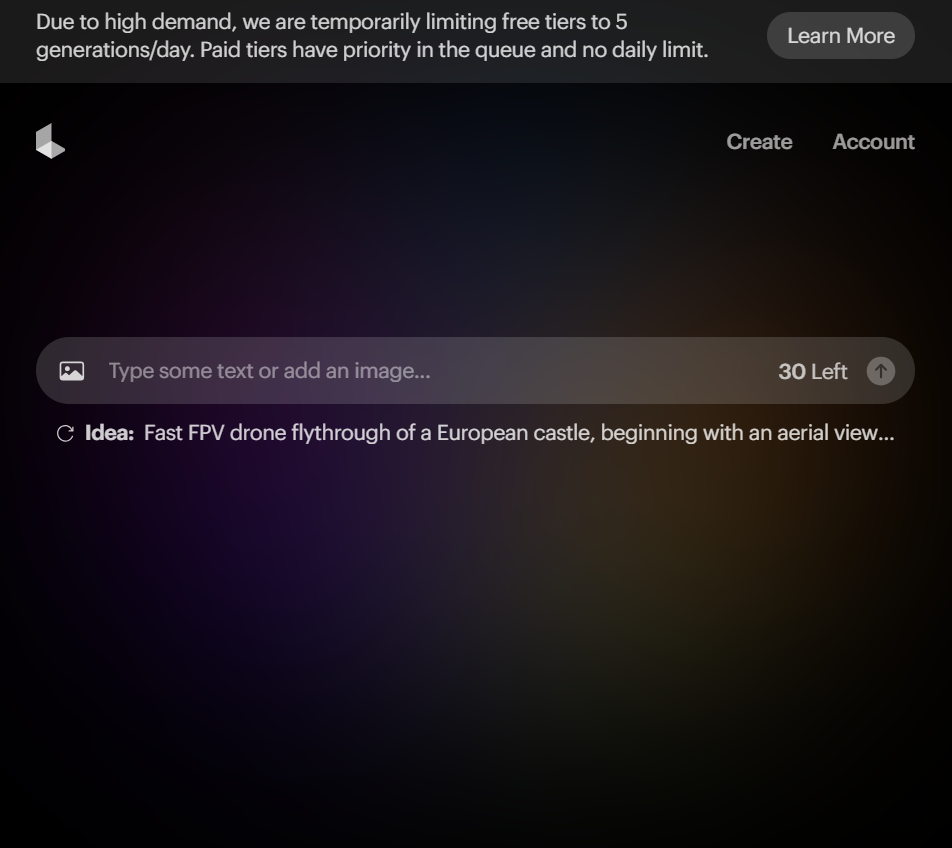 What should be noted here is that Luma Dream Machine allows users to generate 5 videos a day. Users have a total of 30 free Credits , and each generation requires 1 Credit. Only 5 seconds of video can be generated at a time.
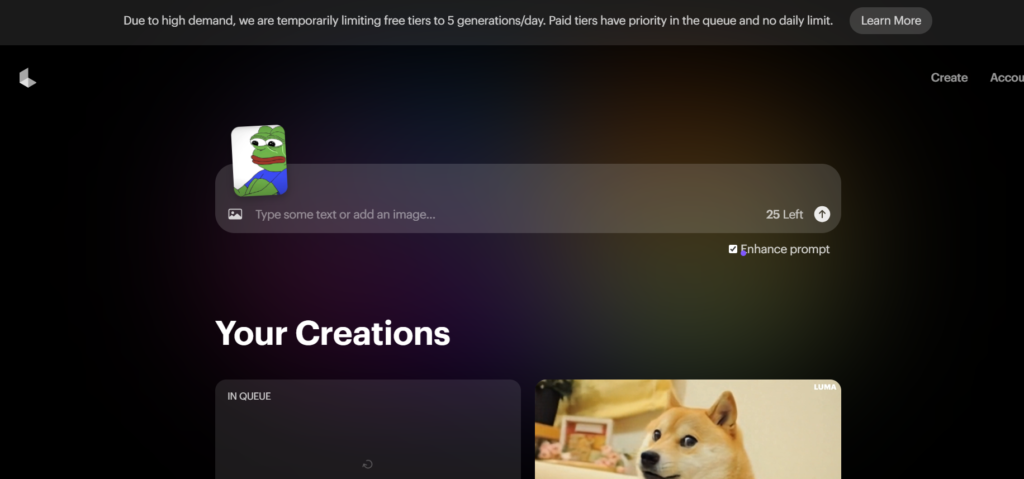
 - After entering the text or uploading the photo, press the arrow on the right side of the screen to generate the video. It will take about 5 ~ 7 minutes.
Download method
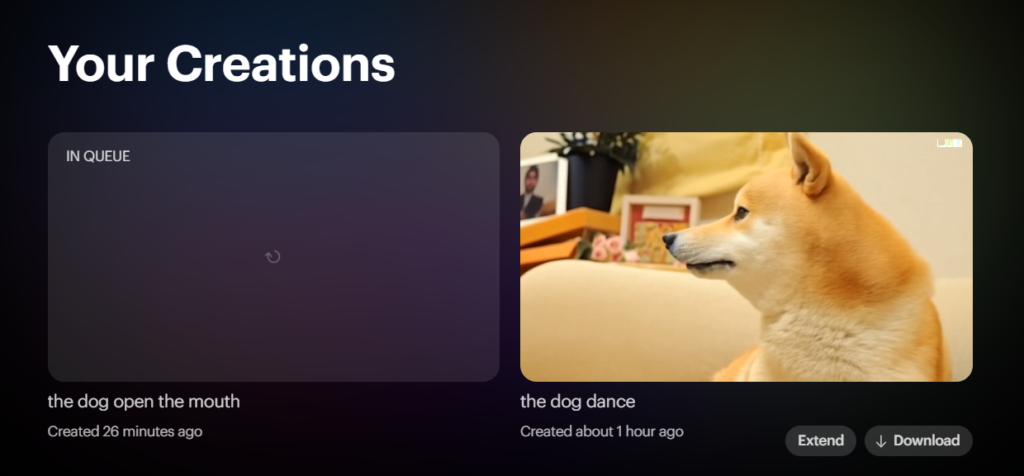
- Download the video : After the video generation is completed, you can find the generated video on the screen and click "Download" to save it and share it with your friends!
The above is the tutorial article for Luma Dream Machine. Is it very simple? Users who need to generate short videos can take a look at the actual operation.